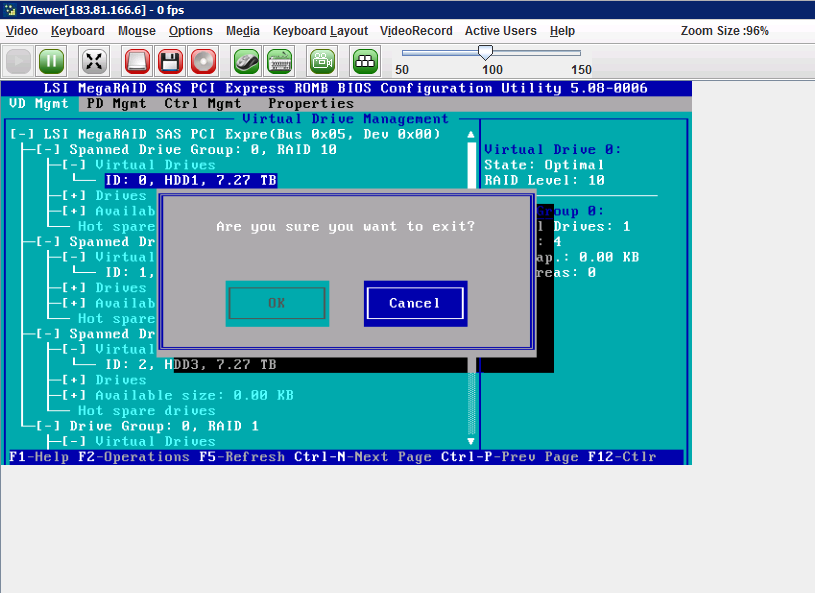
For new deployed server we need to setup RAID.
With RAID, several hard disks are made into one logical disk.
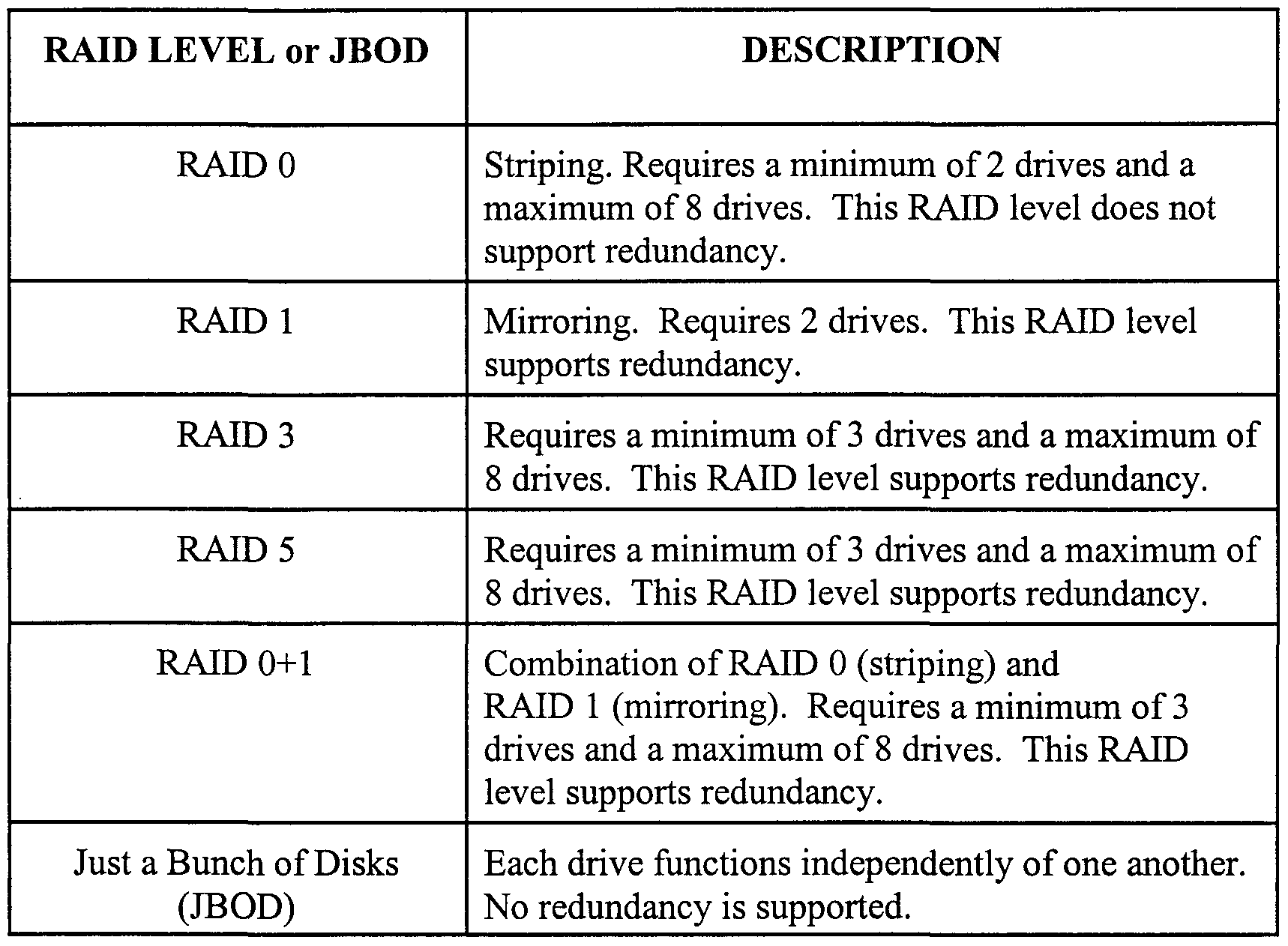
There are different ways this can be done.
Each of the methods that puts the hard disks together has some benefits and drawbacks over using the drives as single disks, independent of each other.
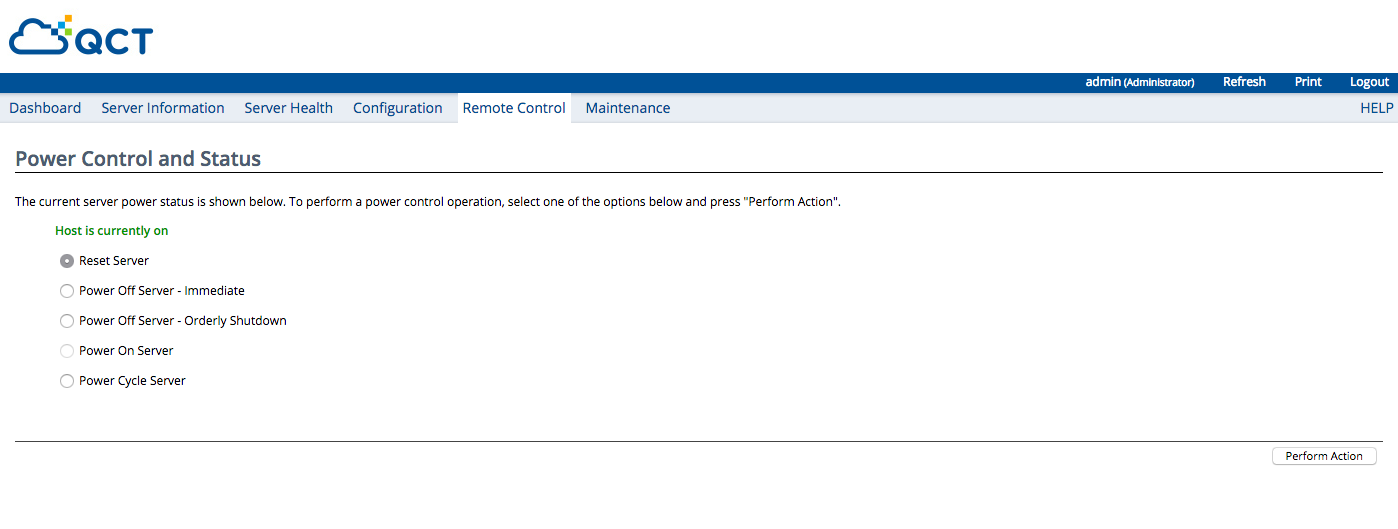
- Power up your server
2. On POST, press CTRL + R to enter MegaRAID Menu
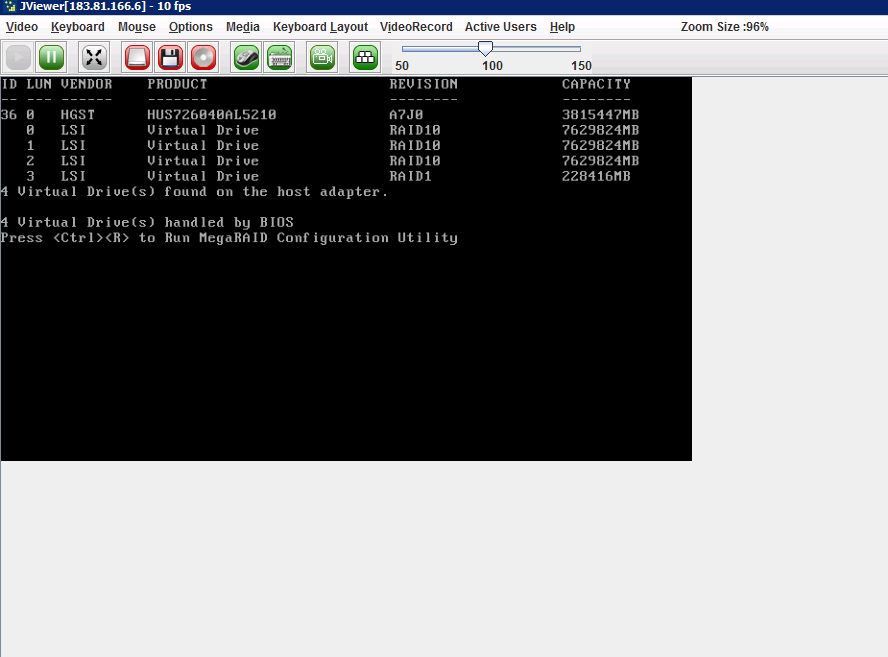
The MegaRAID configuration will appear

3. Select top option to setting up your RAID, as tutorials, I have made 3 x RAID 10 to HDD and 1 x RAID 1 for SSD
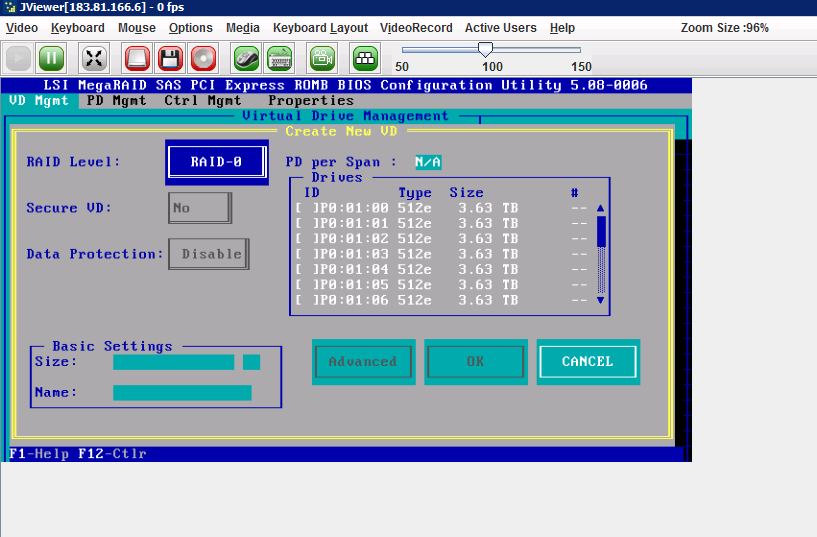
Select your RAID level, hard drive and name for setting
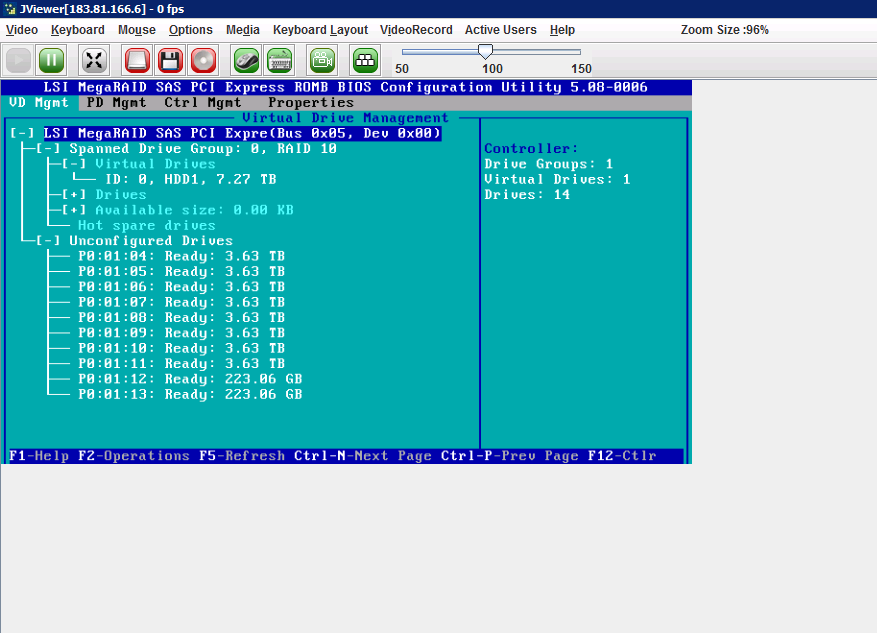
HDD1 with RAID 10
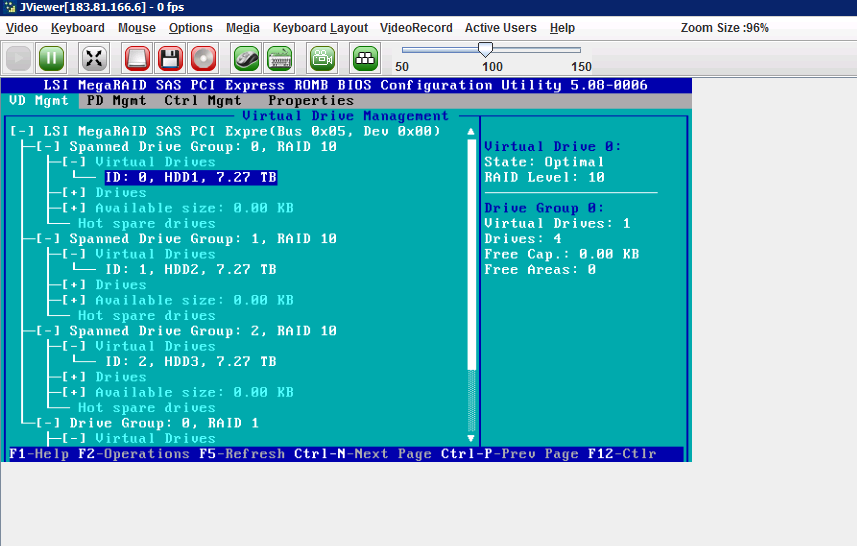
Final results
4. To save your RAID configuration, simply press ESC button and select OK