First, login into the WHM and look for the domain
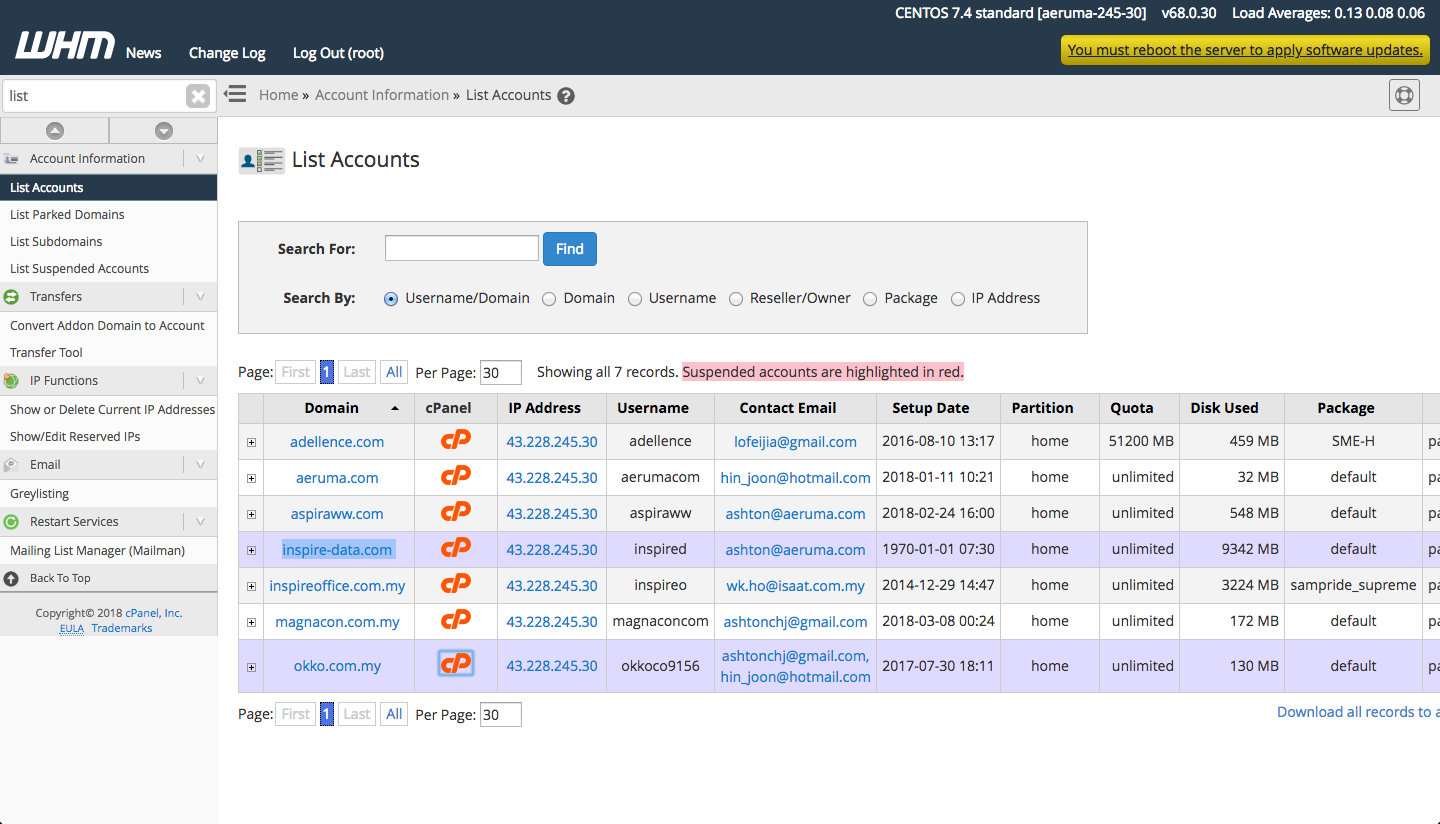
Click on cPanel button for the domain you need to install/renew SSL certificate and search for SSL/TLS.
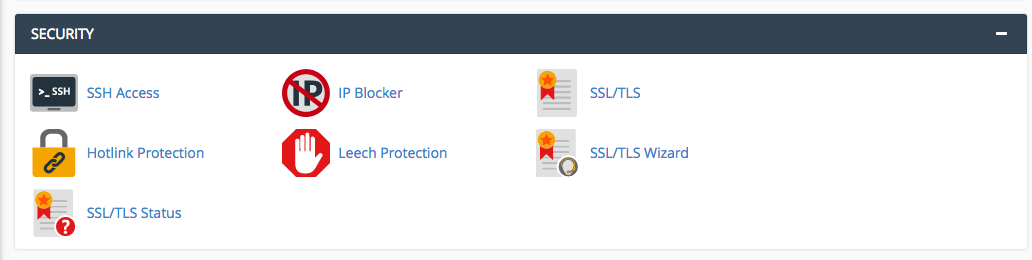
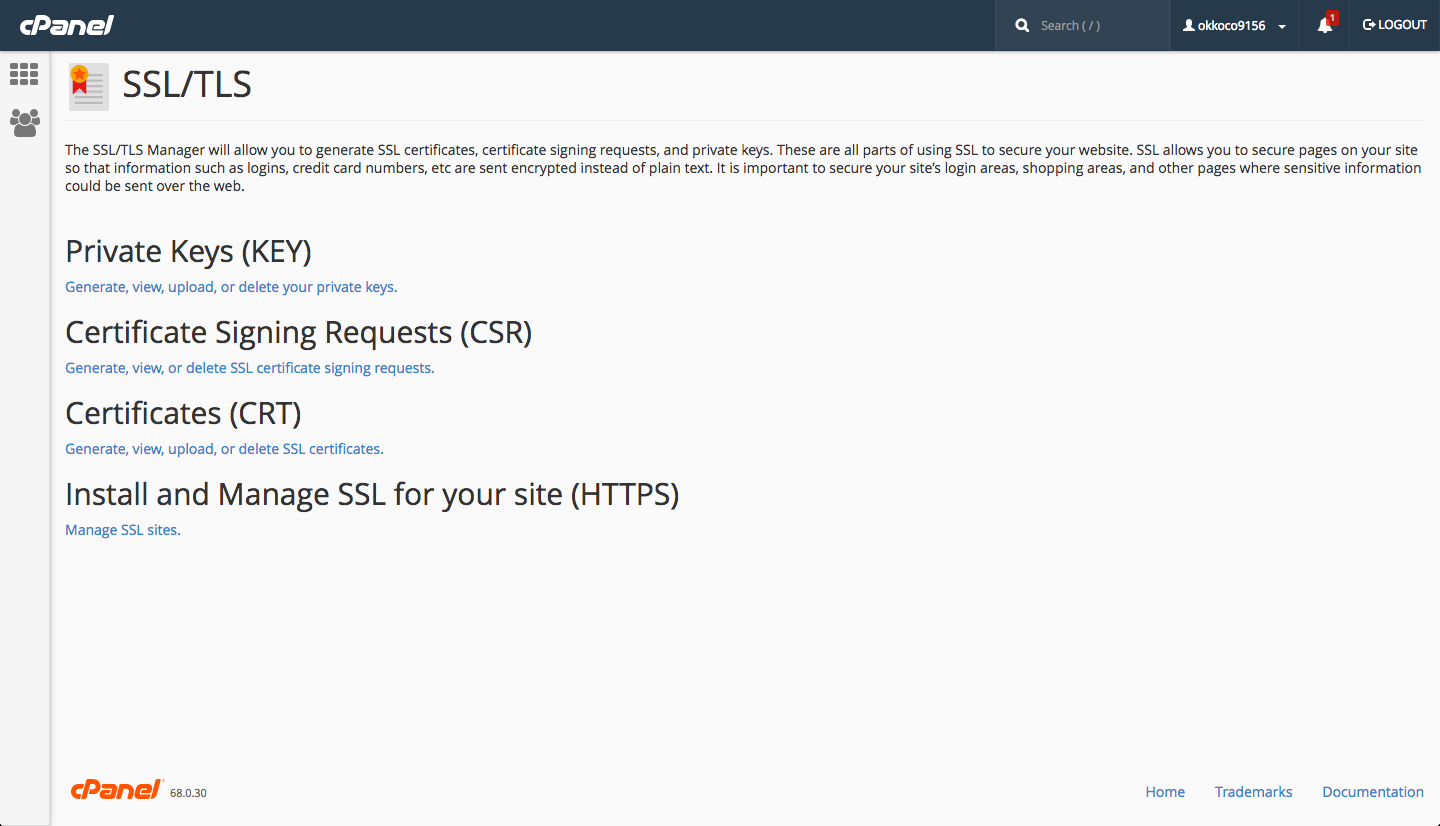
Choose the Certificate Signing Requests (CSR) and generate the SSL certificate signing requests.
Fill in all the details and click generate to generate the request
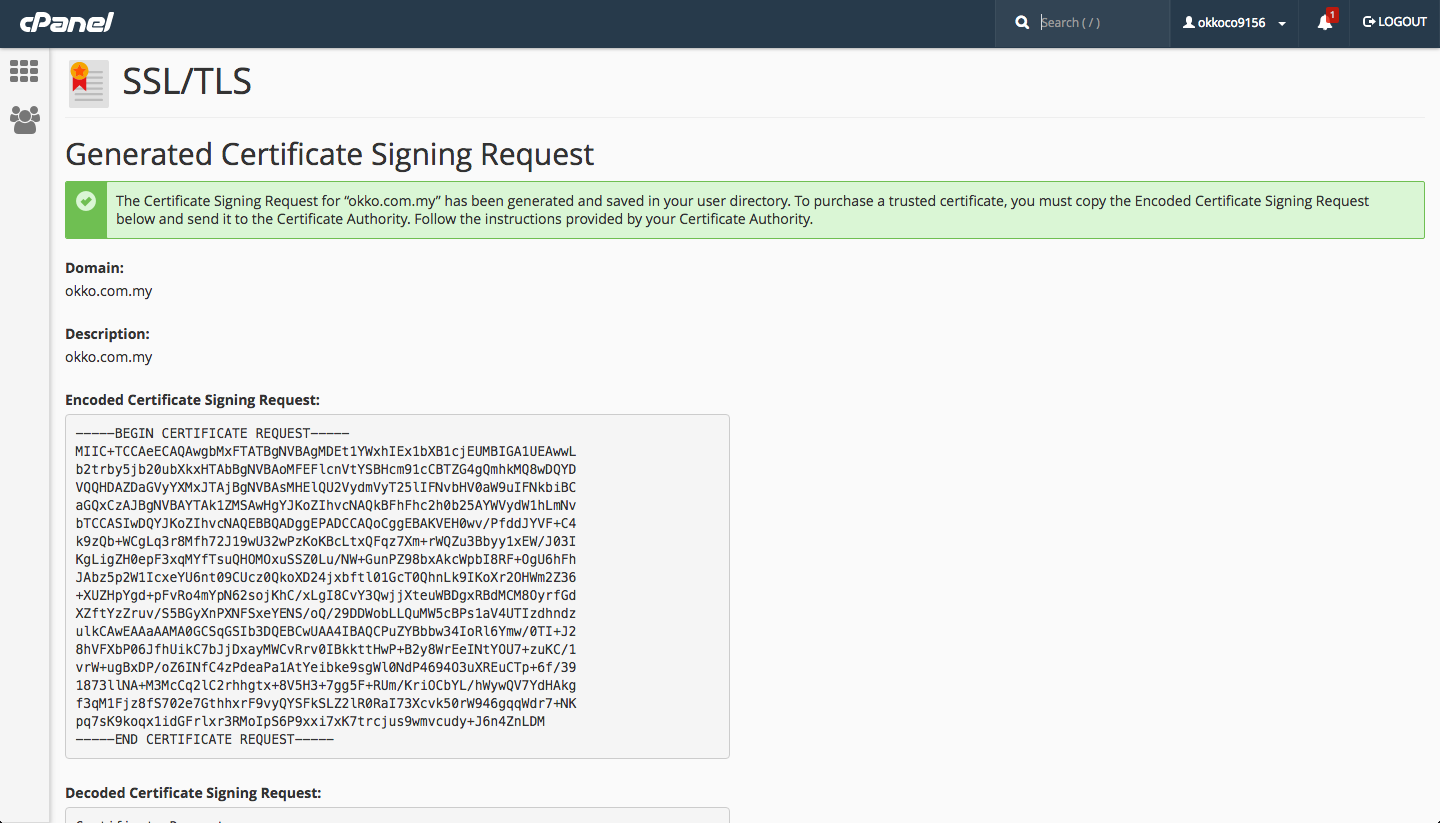
Paste the generated CSR in GlobalSign website in order to proceed with the installation

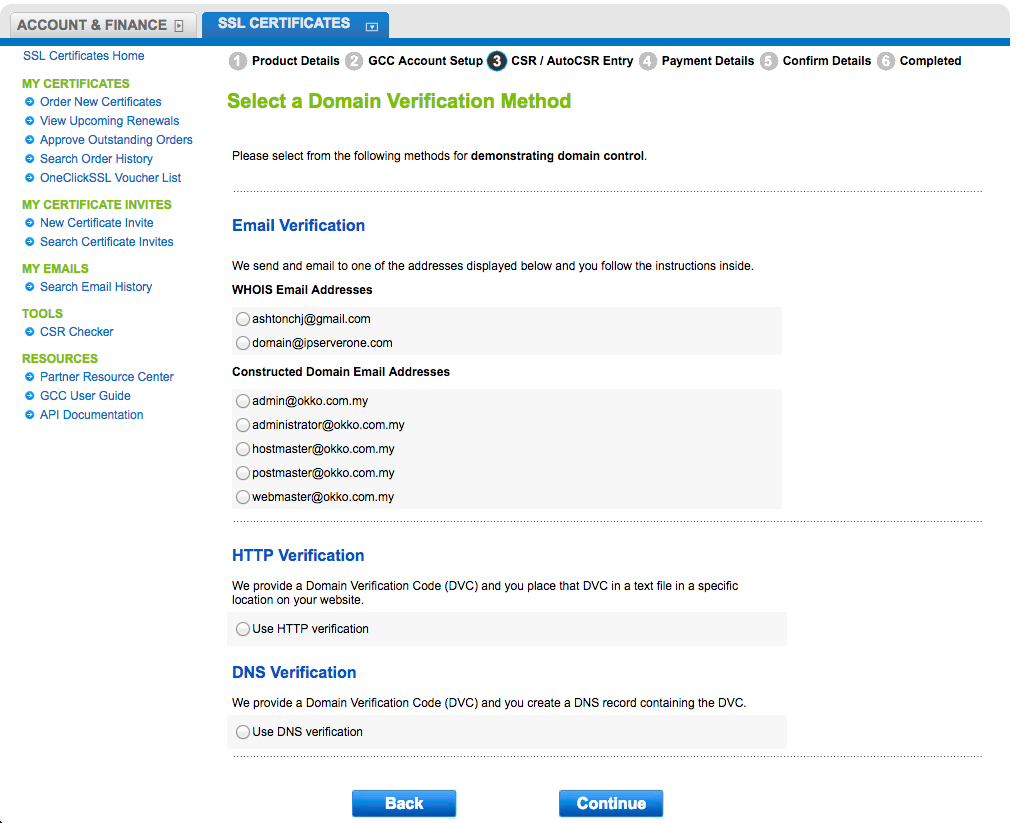
Then proceed to click next. Then, choose the type of verification. Example here, choose the DNS verification whereby at the end of the installation, globalsign will provide a TXT record to be added in the name server of the domain to verify the installation.
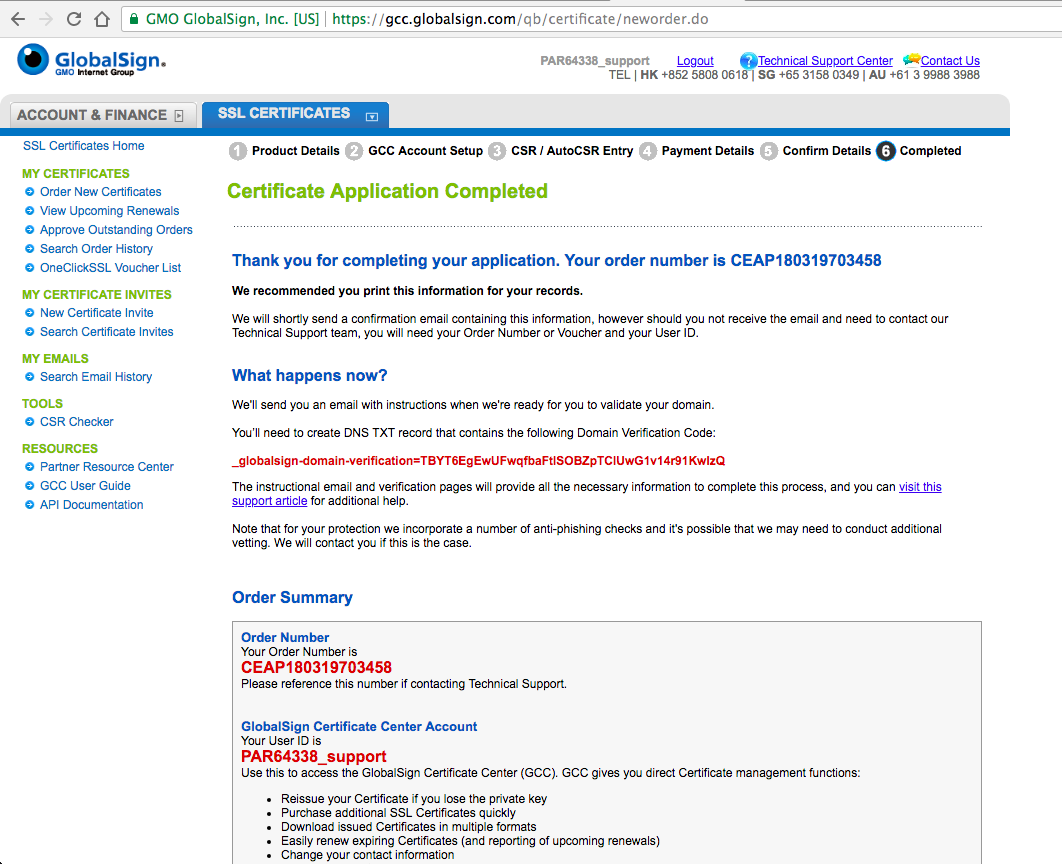
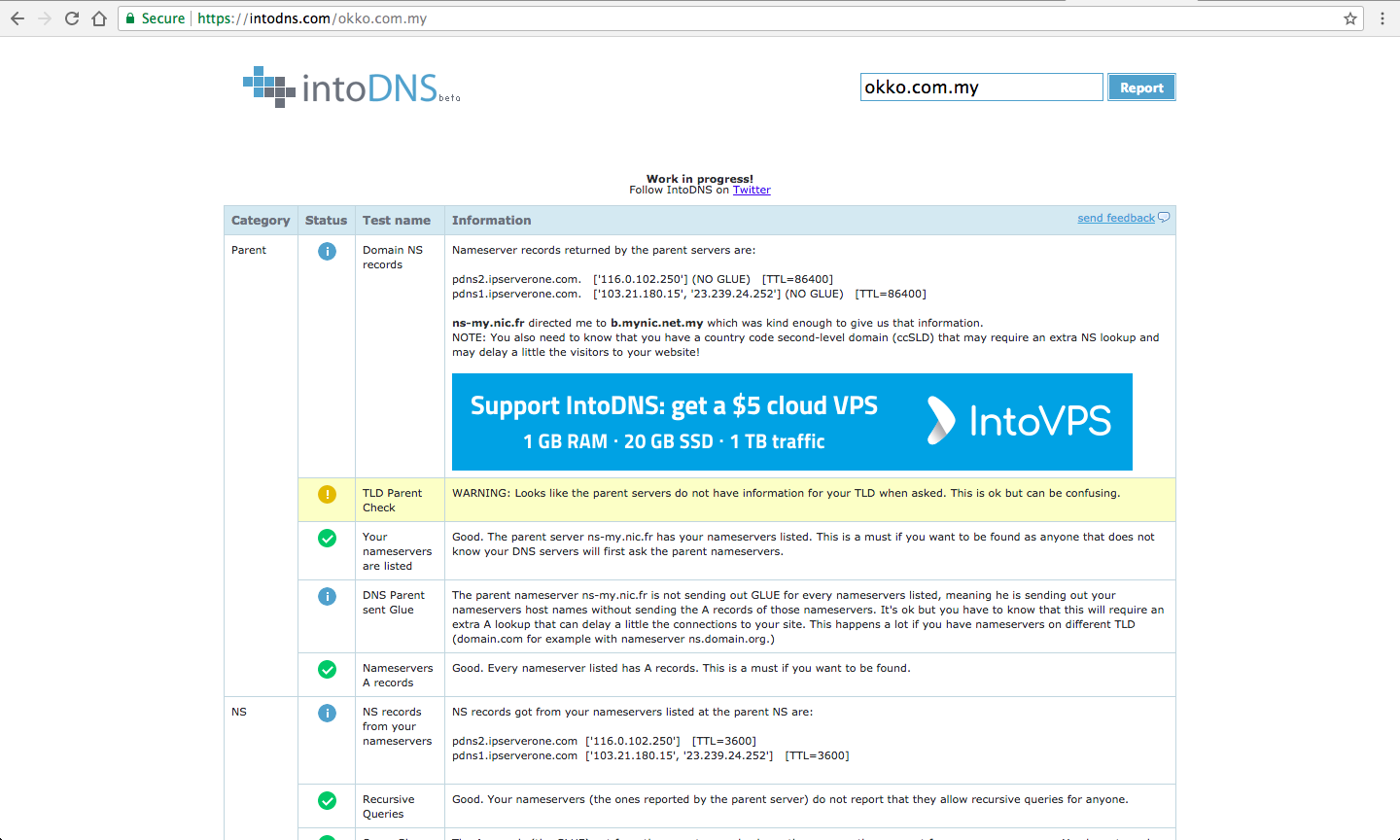
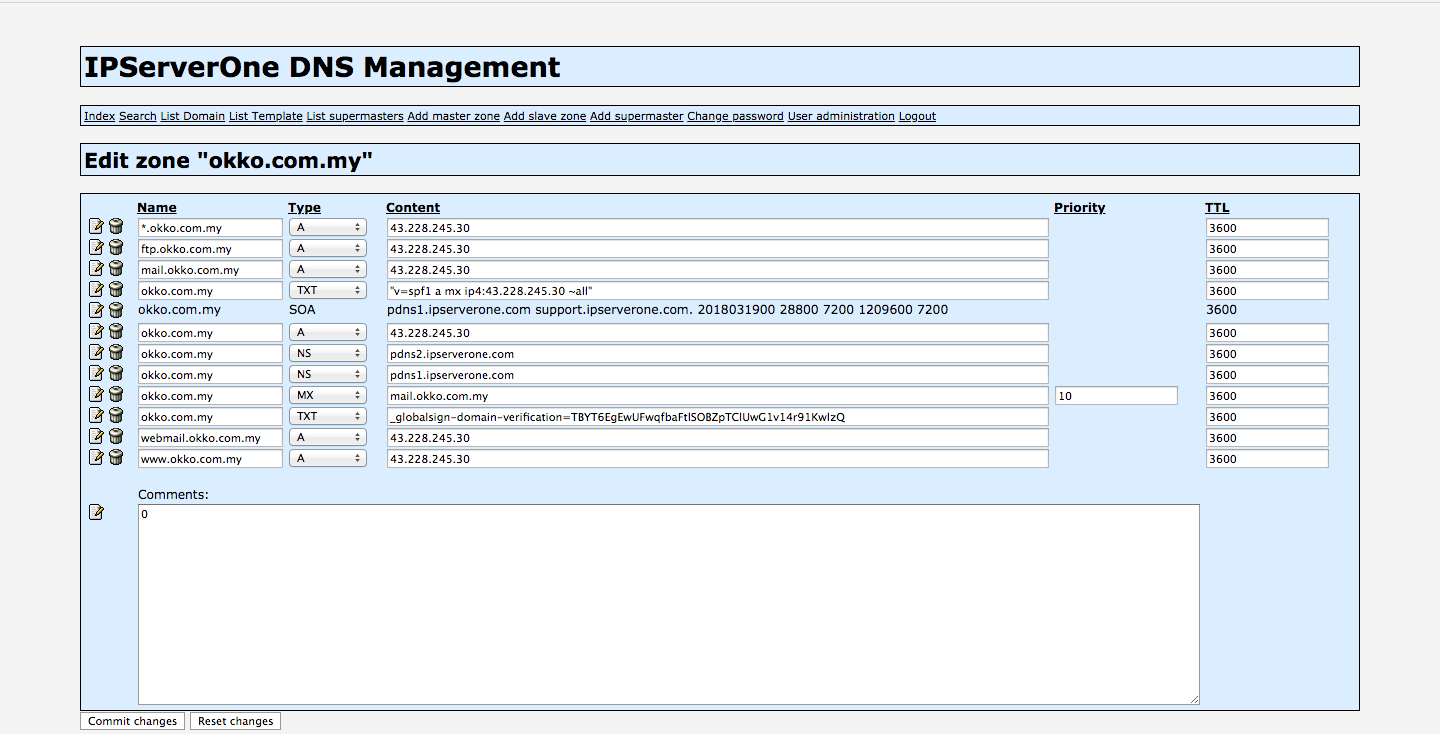
For example, the domain is under the PDNS nameserver, therefore, add the TXT record given there.
Once successfully verified, choose the PEM cert and added here.
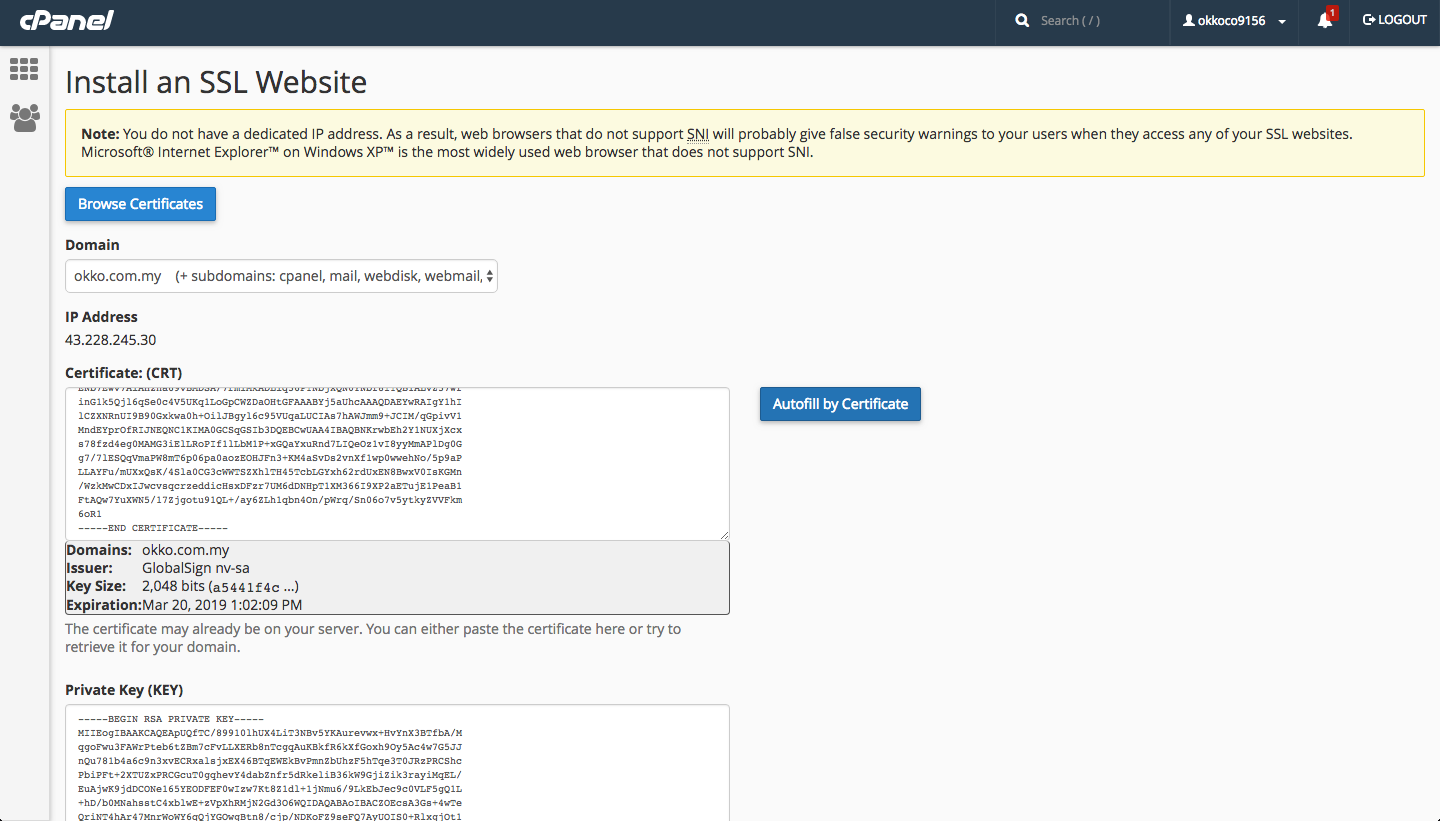
If you choose the HTTP verification, global sign will provide a META Tag to be added in the gsdv.txt whereby you need to SSH into the server and go to below path
/home/domains/abc123.com/public_html/.well-known/pki-validation/gsdv.txt
Note that you need to add the directory below
mkdir .well-known/pki-validation
vi gsdv.txt
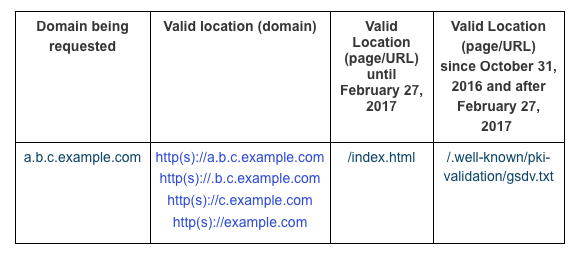
Inside the the gsdv.txt, add the META tag given by globalsign and verified the domain to complete the SSL installation/renewal.