Request to add IP filter to allow office IP 175.143.69.21
a. Remote Desktop (port 19389)
b. SQL Server remote connection (port 1433)
===========================================================
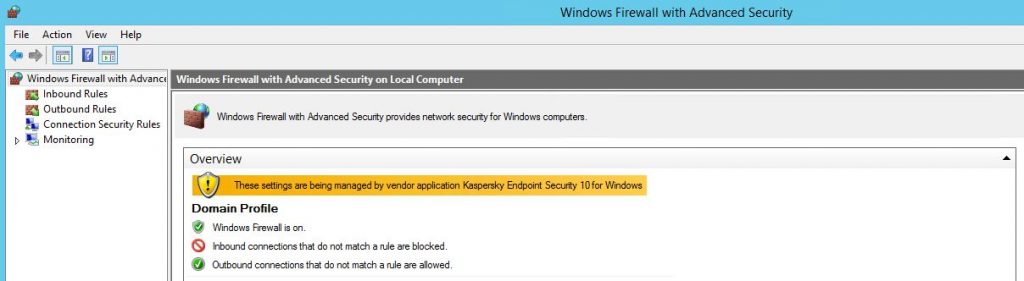
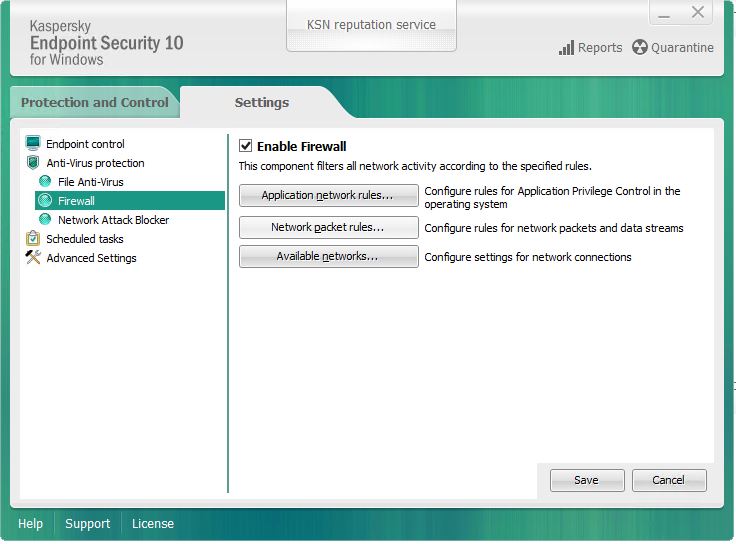
1. Windows Firewall managed by Kaspersky
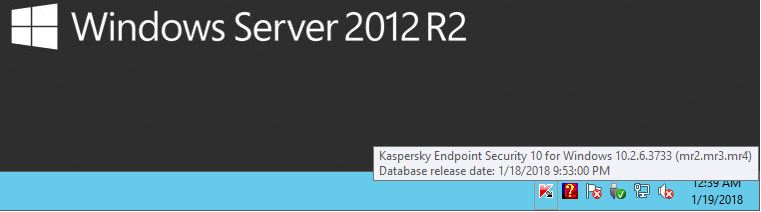
2. To add IP Filter, go to taskbar click on Kaspersky Endpoint Security
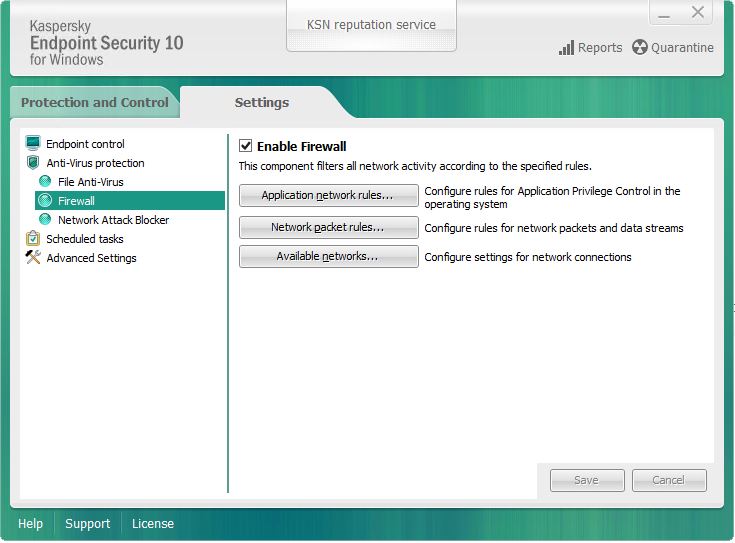
3. Settings > Firewall > Network packet rules
4. Add > Allow > “description” > Inbound > Add IPS1 VPN IP as Remote Addresses > OK

5. Add > Block > “description” > Protocol > Inbound > Local Port > OK > OK
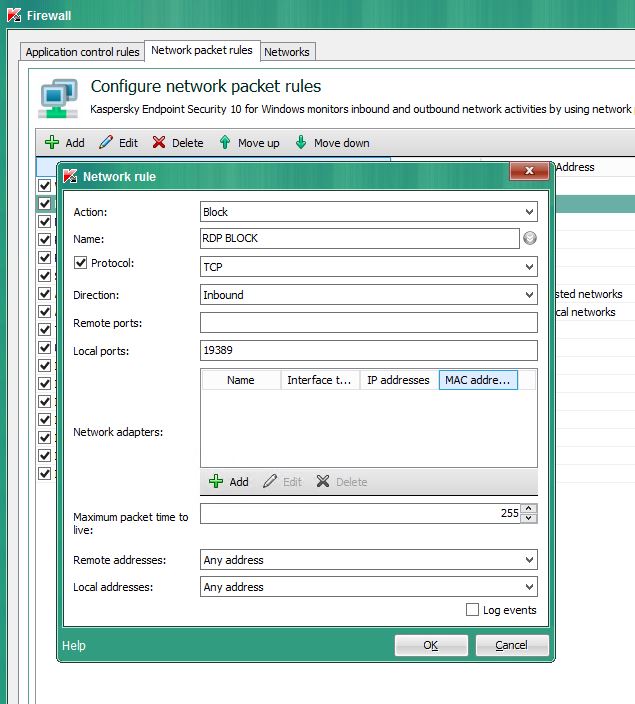
6. Firewall Rules > Move Up or Move Down

7. back to setting screen click Save
8. Verify from external IP if can access to the specific port