Staying on top of every ticket in your queue is a difficult task. With follow-ups, you can offload some of that pressure by scheduling ticket replies or updates at any time you specify.
- You can set a follow-up from any support ticket’s ‘Follow-up‘ tab:
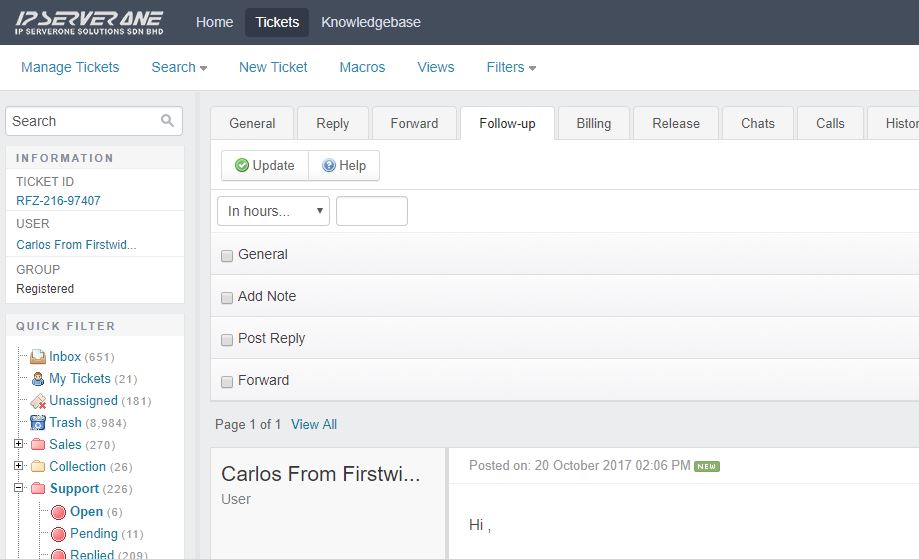
2. Select preferred time you want the ticket to pop-up either by day, weeks or custom date.
3. Tick on General
4. Select Department, assign Owner and select Status in where you want the ticket to pop-up, typically it must set to ‘Pending‘ first.
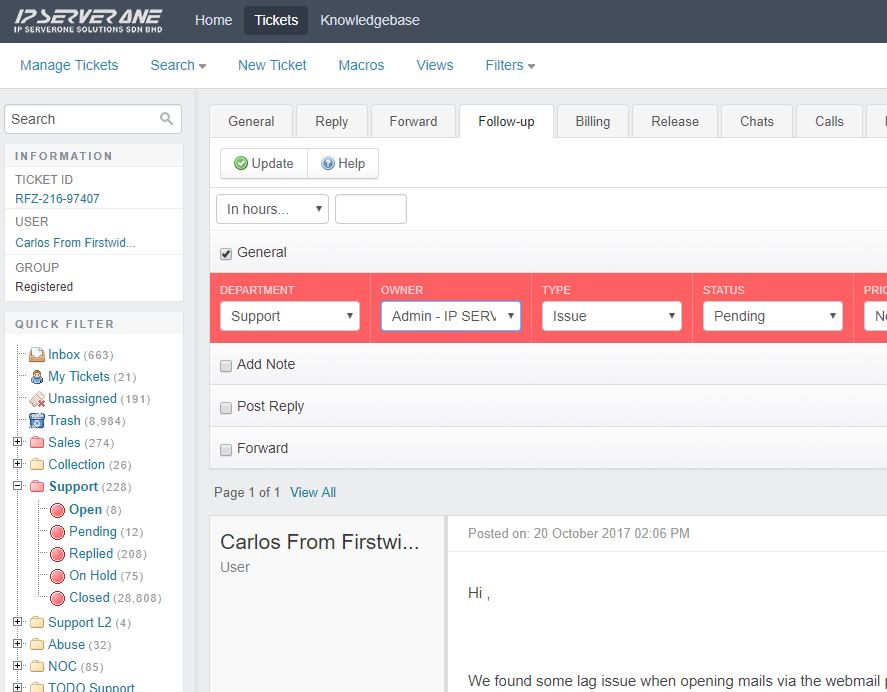
5. Click on Update to save it
6. Now change the status to ‘On Hold‘ to clear it from pending.
Ticket will be appear according to the date you set.