You will not be able to receive emails from blacklisted domains or email addresses.
To continue receiving emails from those domains, we can whitelist the domain/email addresses.
To do this in Smartermail, simply login and click on Settings.
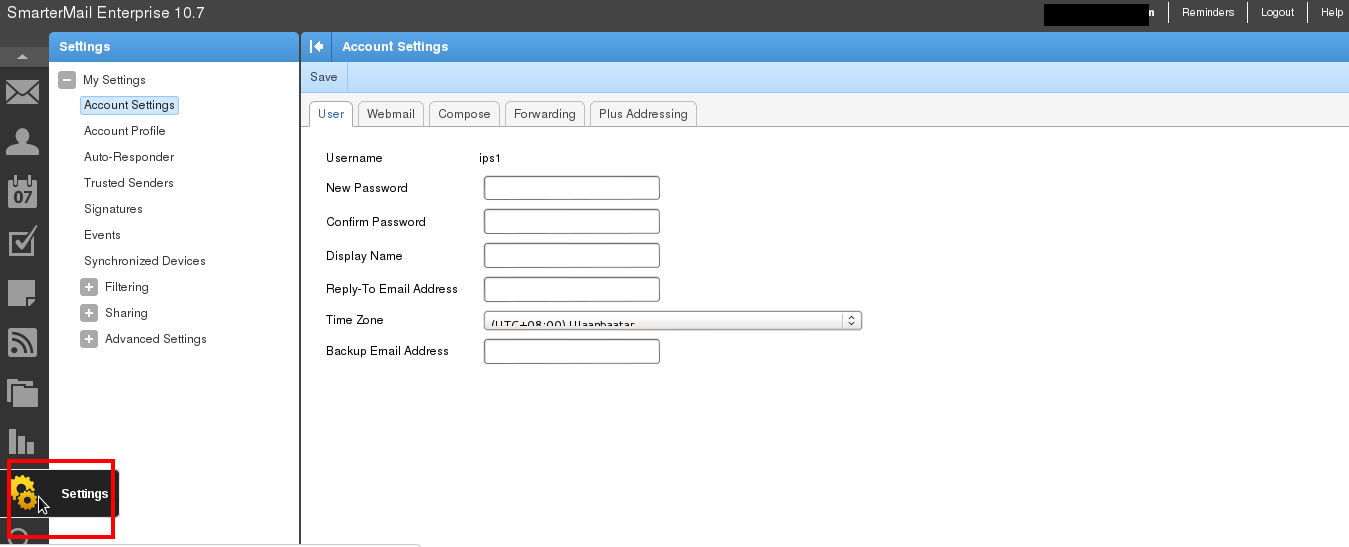
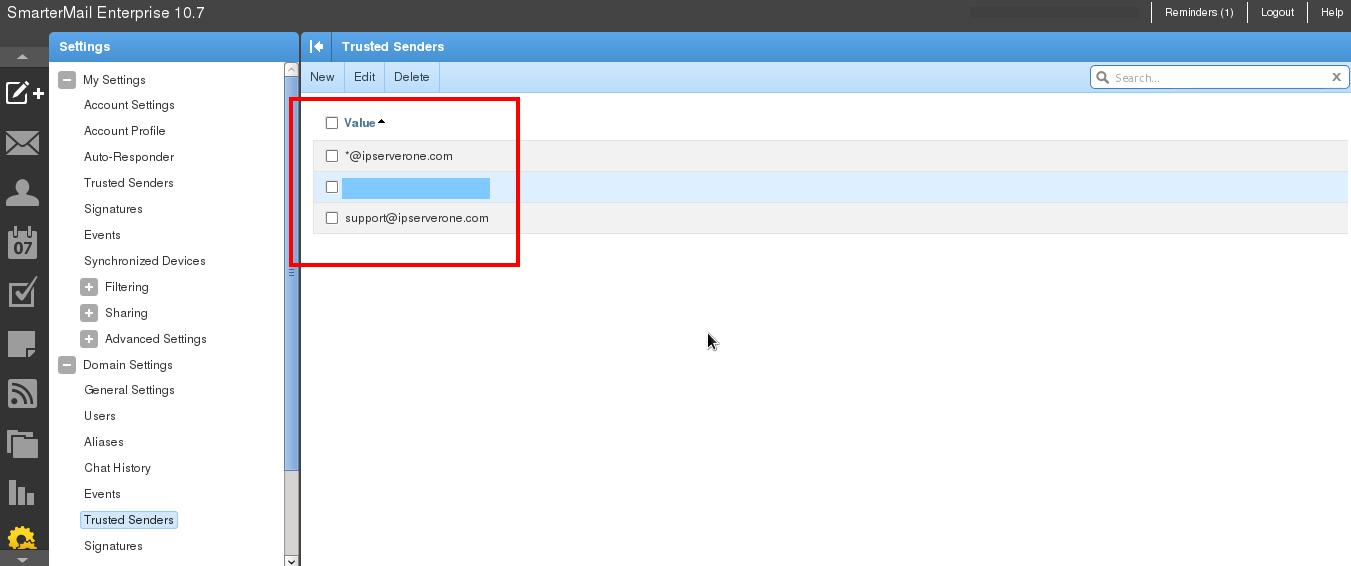
Then click on Trusted Senders.

Click New.
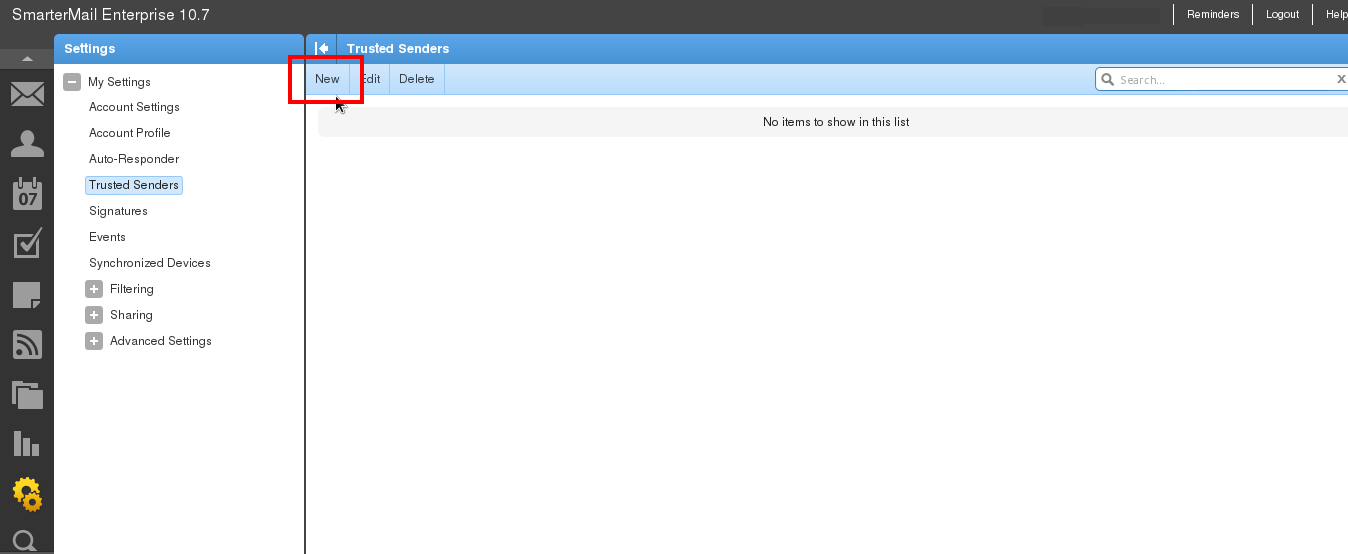
You can now add the domain/email addresses you wish to whitelist.
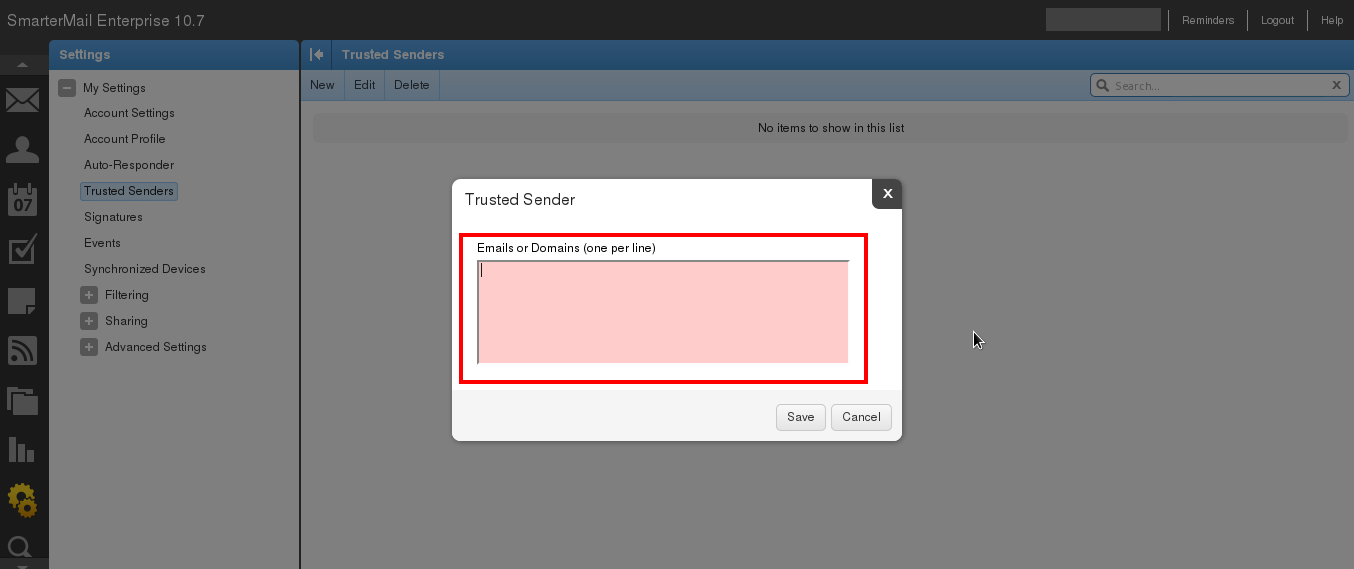
Enter a new email address/domain per line and click Save once done.
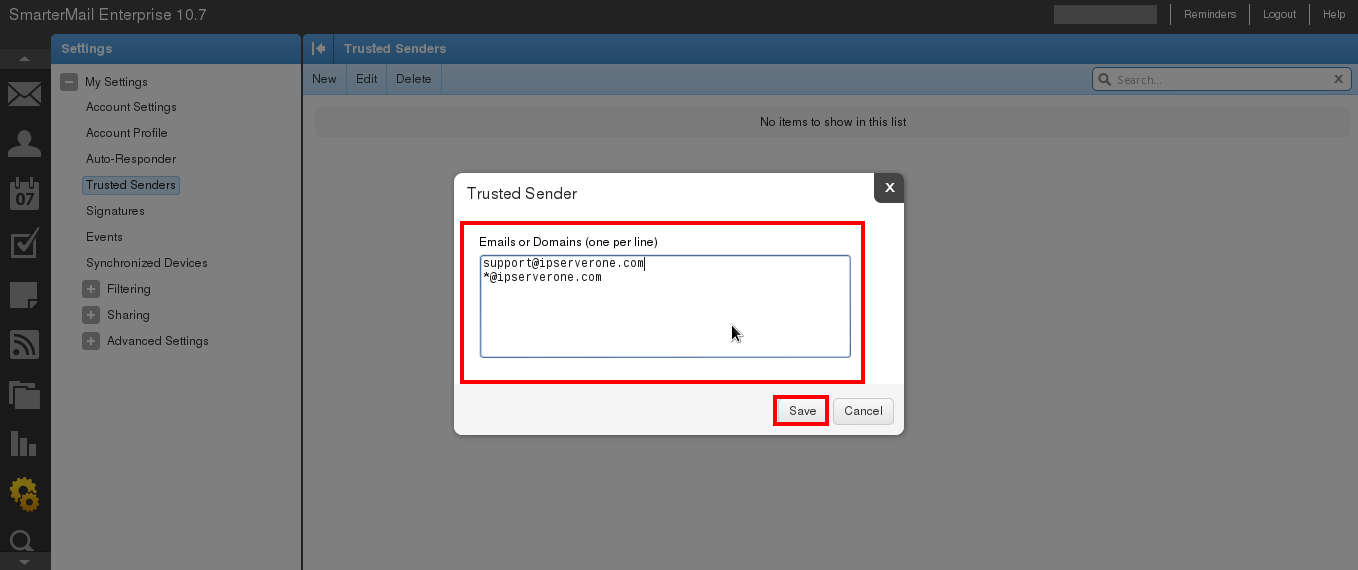
The whitelisted domain/email address will be visible.
You will now continue to receive emails from the blacklisted domain/email address.