iptables is the standard Linux firewall. It is extremely customisable and for this reason, it is recommended to use the ConfigServer Security & Firewall (CSF) to manage your iptables configuration. Below are some of the command lines that can be use to flush, allow and deny ip.
1. Direct Admin
First, grep the public IP address to check if it is blocked by the server or not. You can execute the following command line
iptables -L -n | grep 175.143.28.85
or
iptables -S | grep 175.143.28.85
To drop/remove the ip address
iptables -D blocked_ips -s 175.143.28.85/32 -j DROP
2. cPanel (SME Hosting)
Much similar to Direct Admin, you can grep the ip address by typing :
iptables -L -n | grep 123.456.789.012
For example:
[root@pcthosting csf]# iptables -L -n | grep 118.100.126.123

DROP       all  --  118.100.126.123      0.0.0.0/0            state NEW TIME until date 2018-02-23 09:39:41 UTC
or
csf -g 118.100.126.123
For example:
[root@pcthosting csf]# csf -g 118.100.126.123
Chain num pkts bytes target prot opt in out source destination
cphulk 3 1104 57292 DROP all -- * * 118.100.126.123 0.0.0.0/0 state NEW TIME until date 2018-02-23 09:39:41 UTC
You can also type below command to check on the logs
cat /var/log/lfd.log | grep
To remove the ip address from blocking in the server, type the following command
iptables -D cphulk -s 118.100.126.123/32 -m state --state NEW -m time --datestop 2018-02-23T09:39:41 -j DROP
For example:
[root@pcthosting csf]# iptables -D cphulk -s 118.100.126.123/32 -m state --state NEW -m time --datestop 2018-02-23T09:39:41 -j DROP
The ip address blocking can also be check and removed in cPanel by following the steps below:
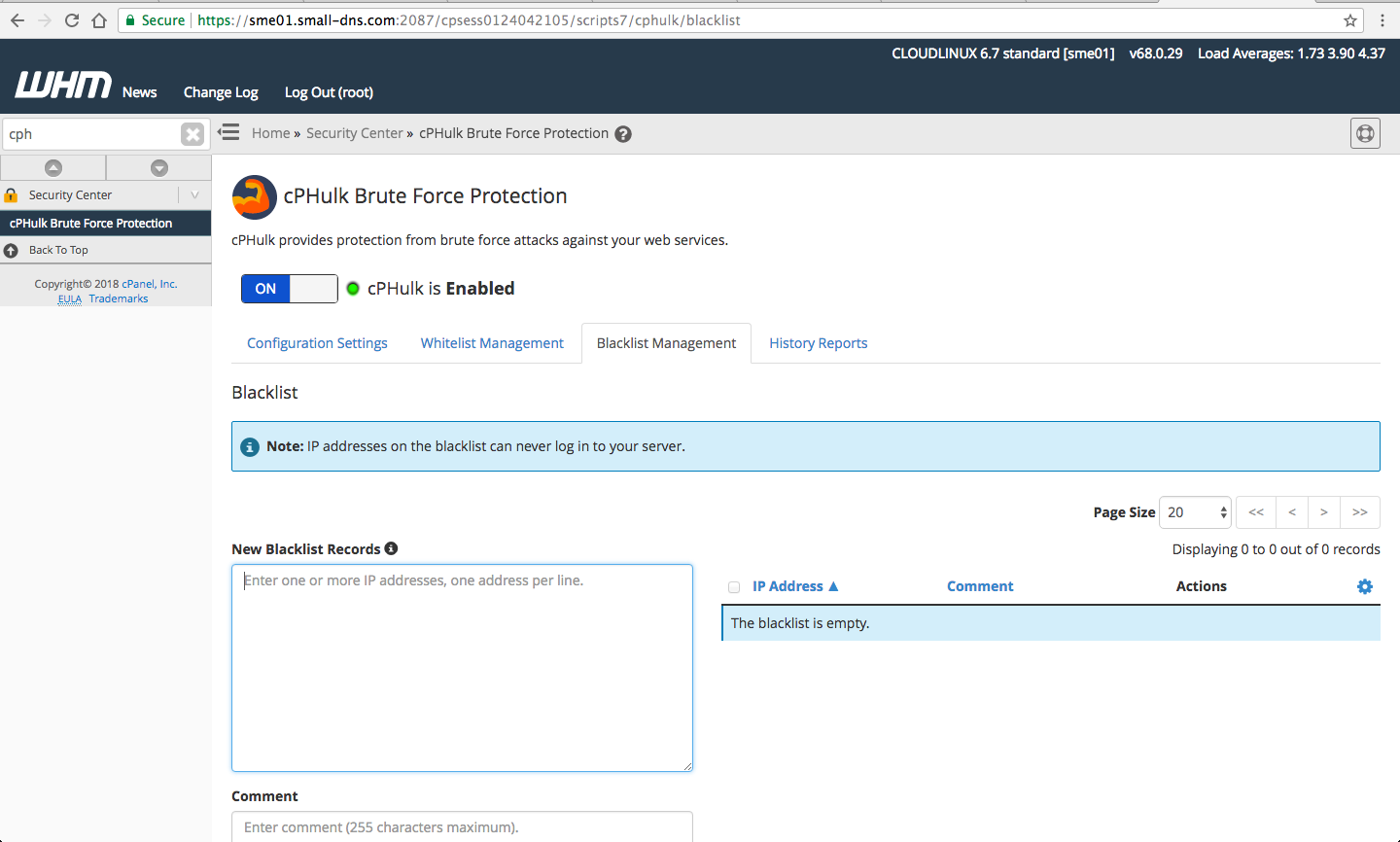
To check, login to WHM and search for CPHULK Brute Force Protection and check for the ip in Blacklist Management
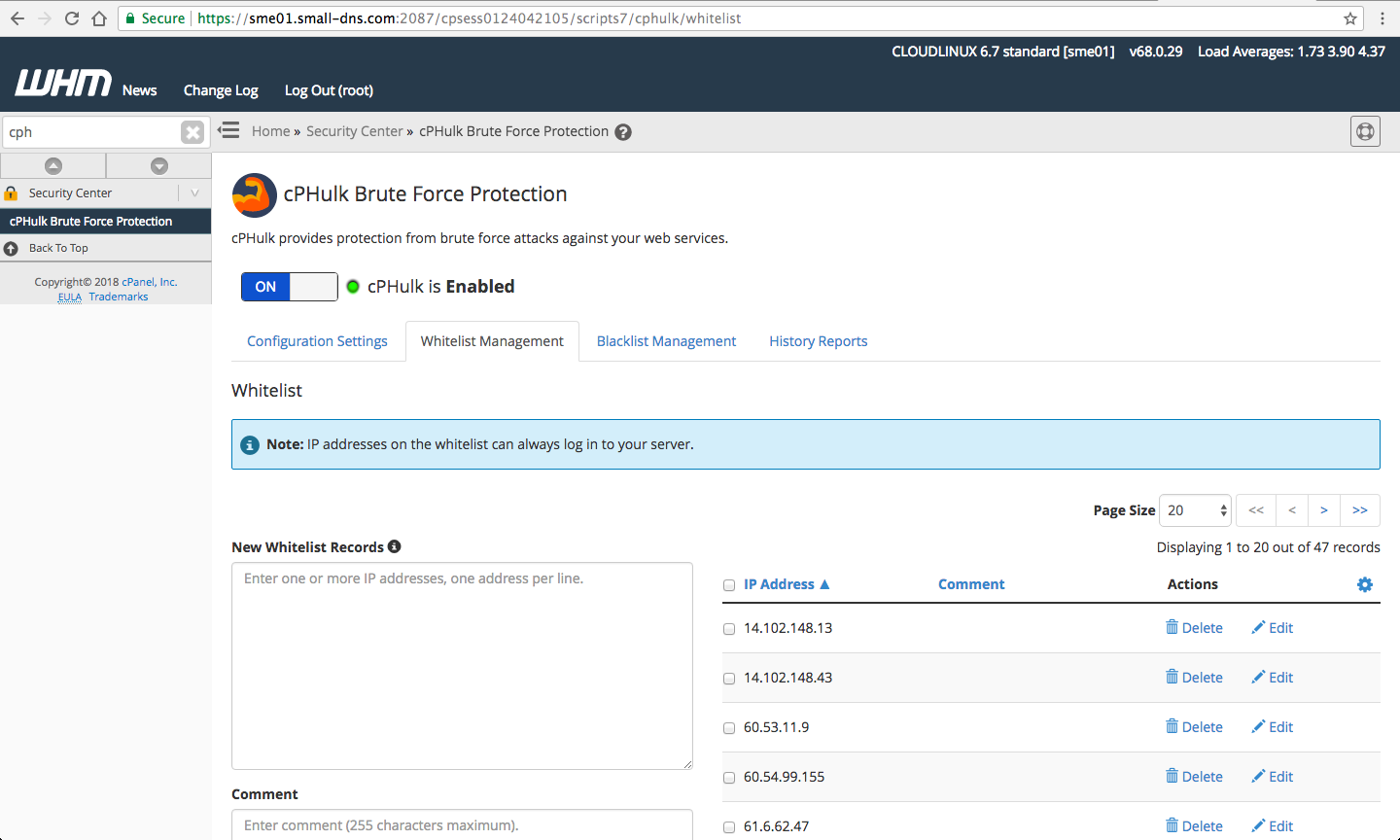
If the ip address is blocked by the server, you can whitelist the ip in Whitelist Management
You can also whitelist the ip address by allowing the ip in the firewall server configuration.
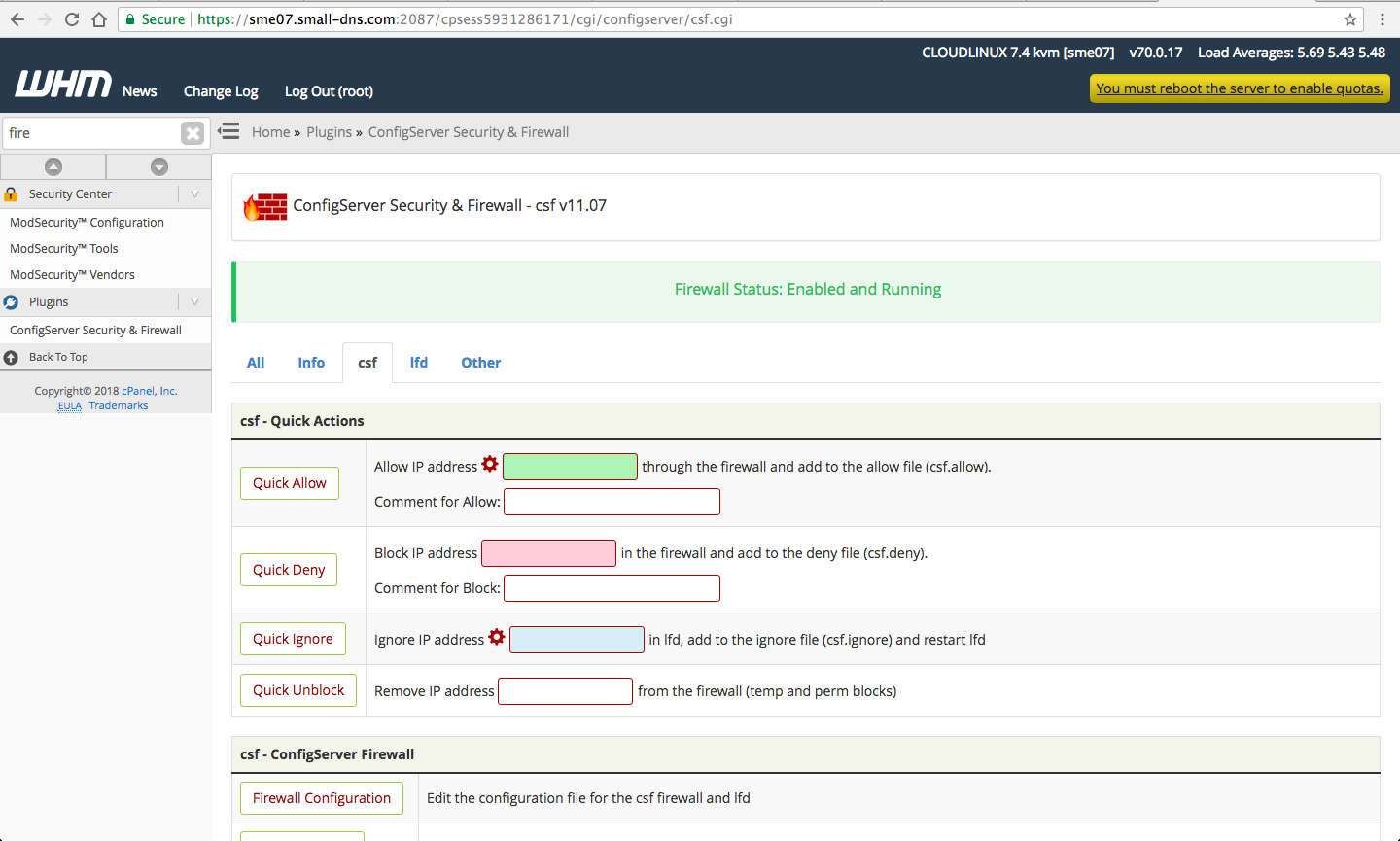
In WHM, you can search for “ConfigServer Security & Firewall” on the left pane and click on the “CSF” tab. You can allow and deny the ip here.