For Plesk version 9.x
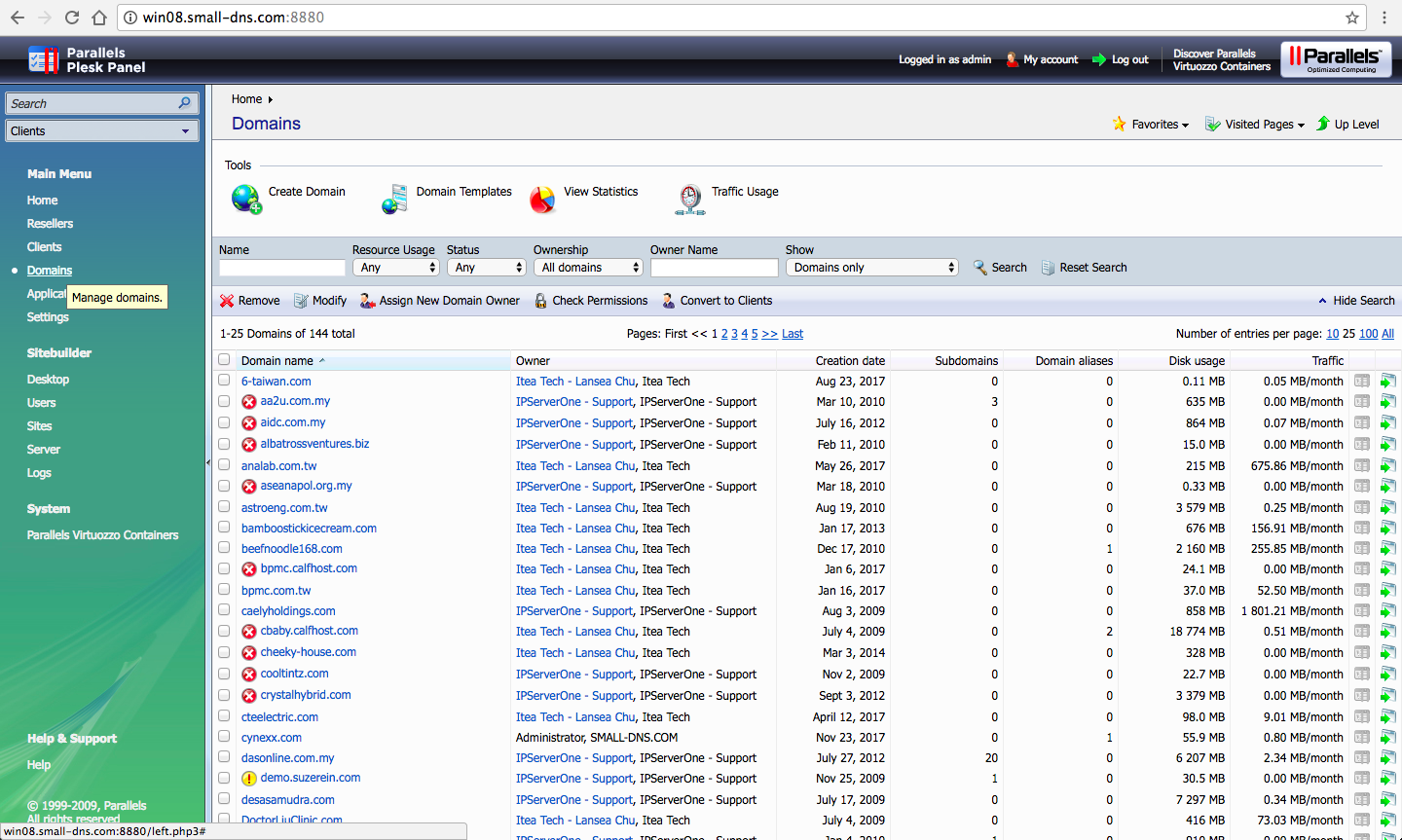
First, click on the domain and search for the domain you wanted
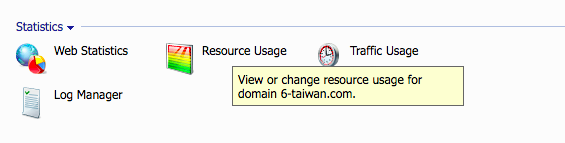
Next, click on the “resource usage” button
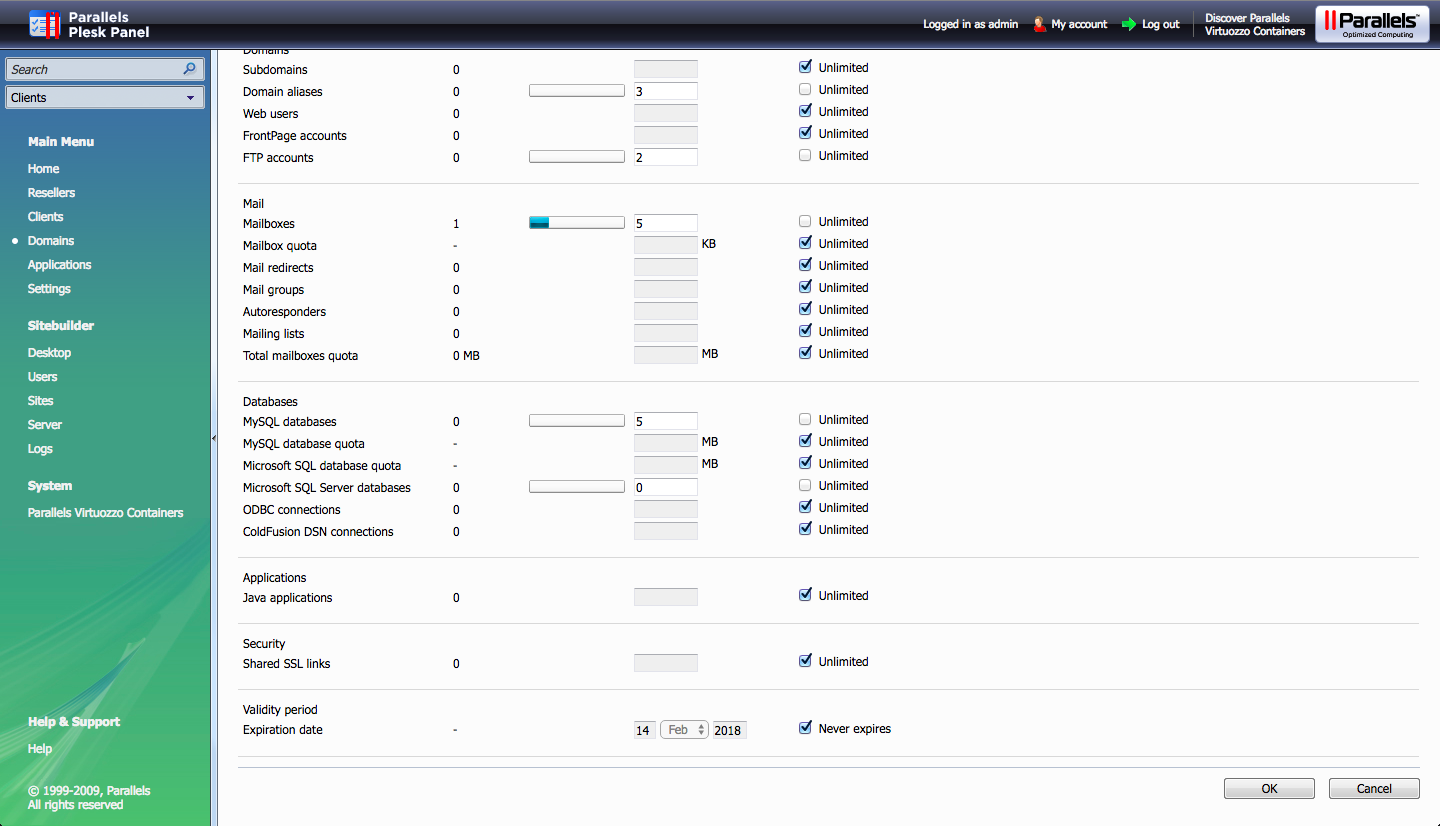
Lastly, scroll down and tick on the expiration date either input a specific date or just click “never expires”
For Plesk version 11.x
First, go to subscription on the left side on the pane and search for the domain. Click on the domain.

Once clicked, next, click on the “customize” button.

Lastly, scroll down and tick on the expiration date either input a specific date or just click “unlimited”

For Plesk version 12.x
First, go to subscription on the left side on the pane and search for the domain. Click on the domain.
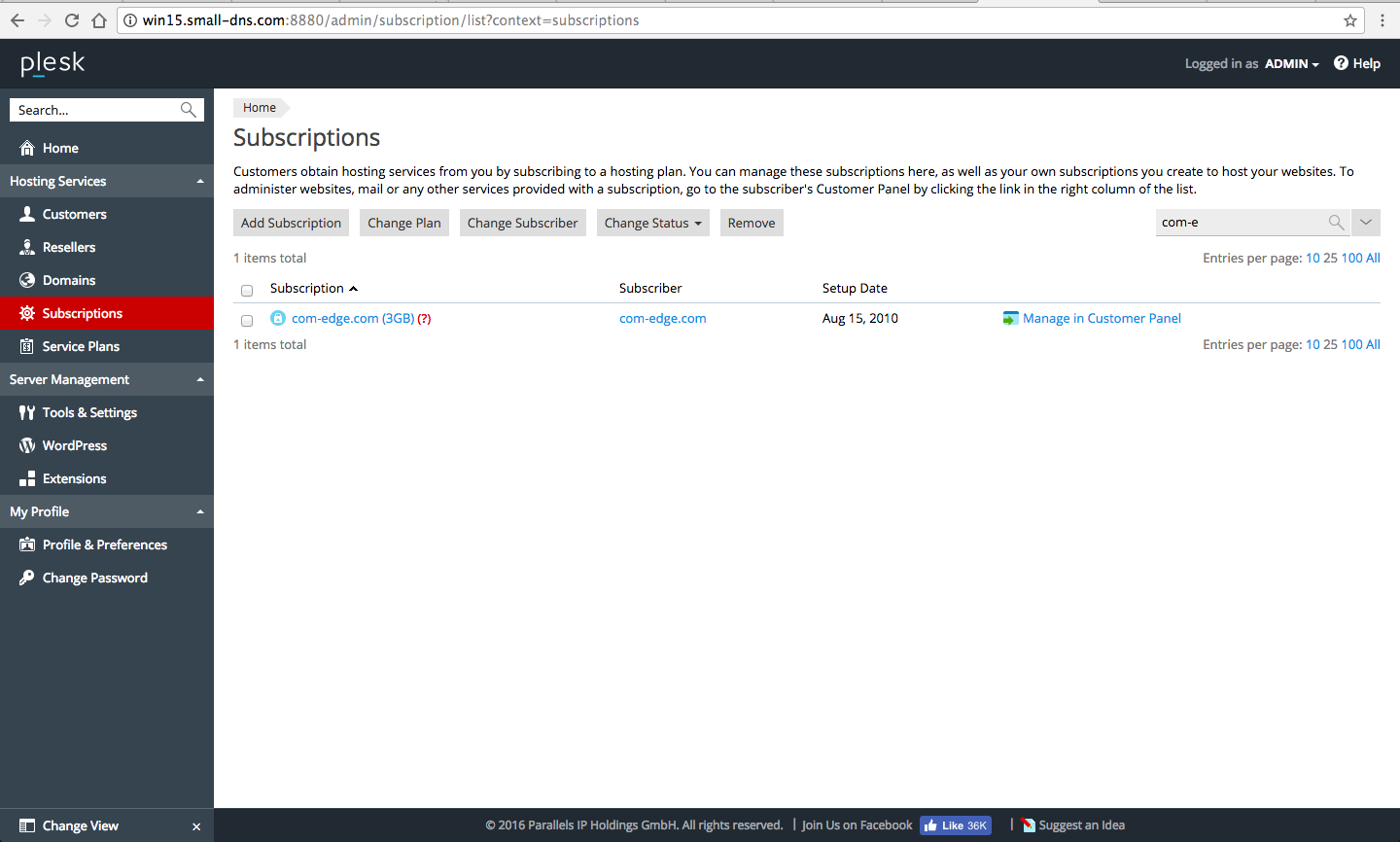
Once clicked, next, click on the “customize” button on right side hand side.
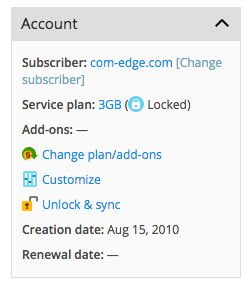
Lastly, scroll down and tick on the expiration date either input a specific date or just click “unlimited”
