Ticket Example : RLU-557-97047
Smartertools has released their new version of Smartermail which is the Smartermail Beta Version 16x. This new smartermail is totally different from the Smartermail Enterprise version 15 which is currently used in IPSERVERONE for our email hosting.
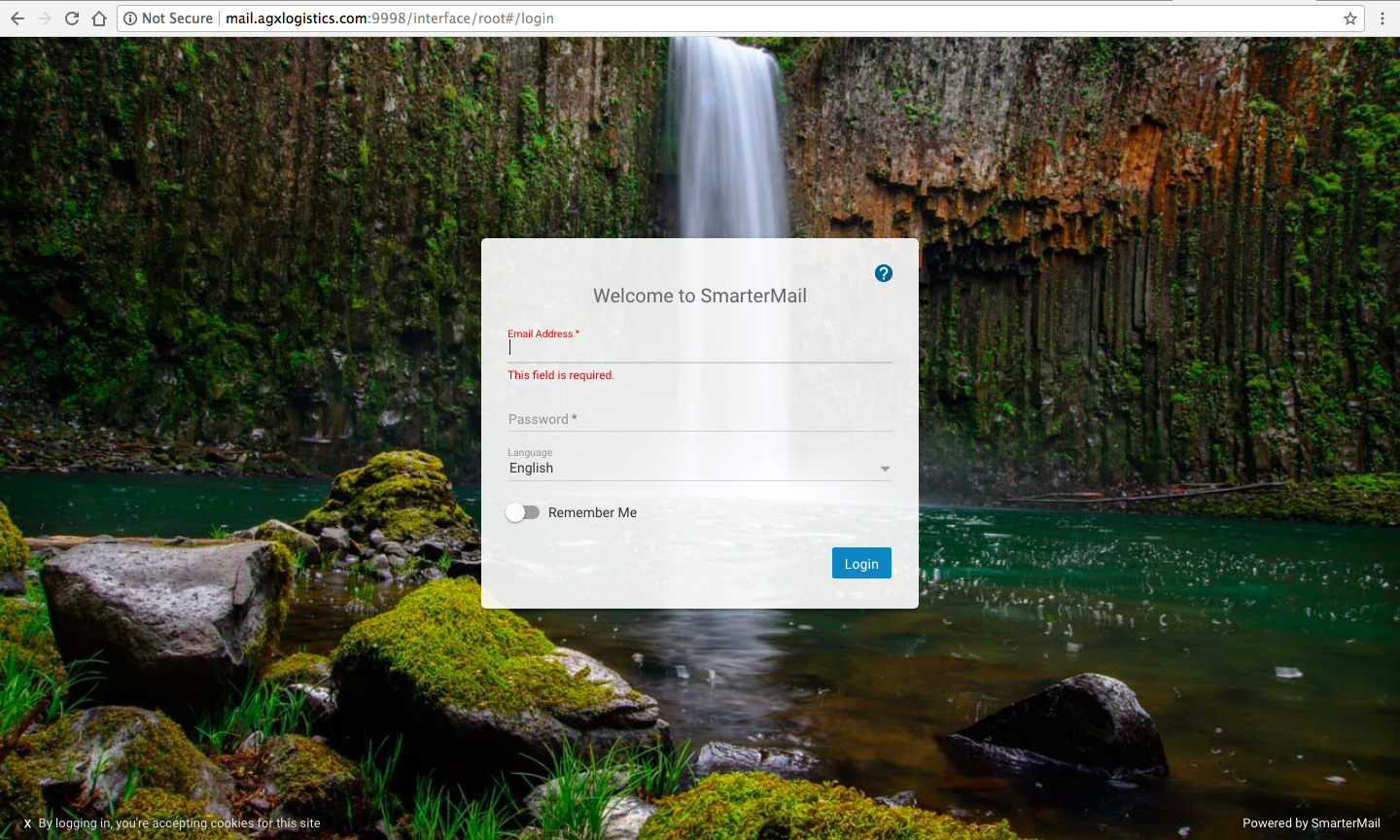
1. Login Page
2. How To Impersonate Admin Account?
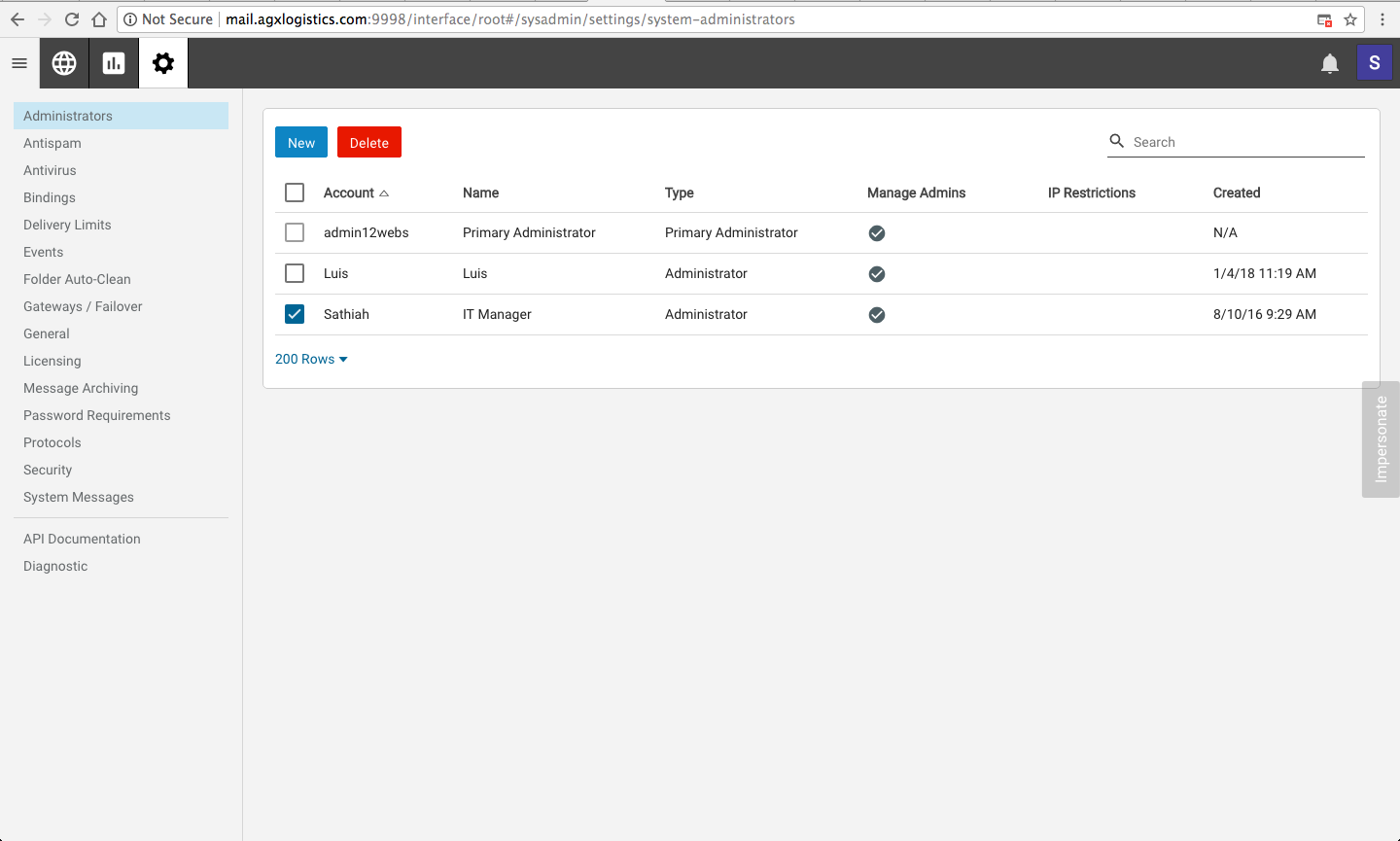
To impersonate a Domain Admin or end user, log into SmarterMail and click on the Manage tab. On the right side of the screen, you should find a grey button that says Impersonate. You can click on this and enter any email address available on the server. To impersonate a Domain Admin, click on the domain name from the list of domains and then click on the Manage button.
3. How To Add User Email Account Under Domain Admin?
Once impersonate into the Domain Admin, you will find below interface.
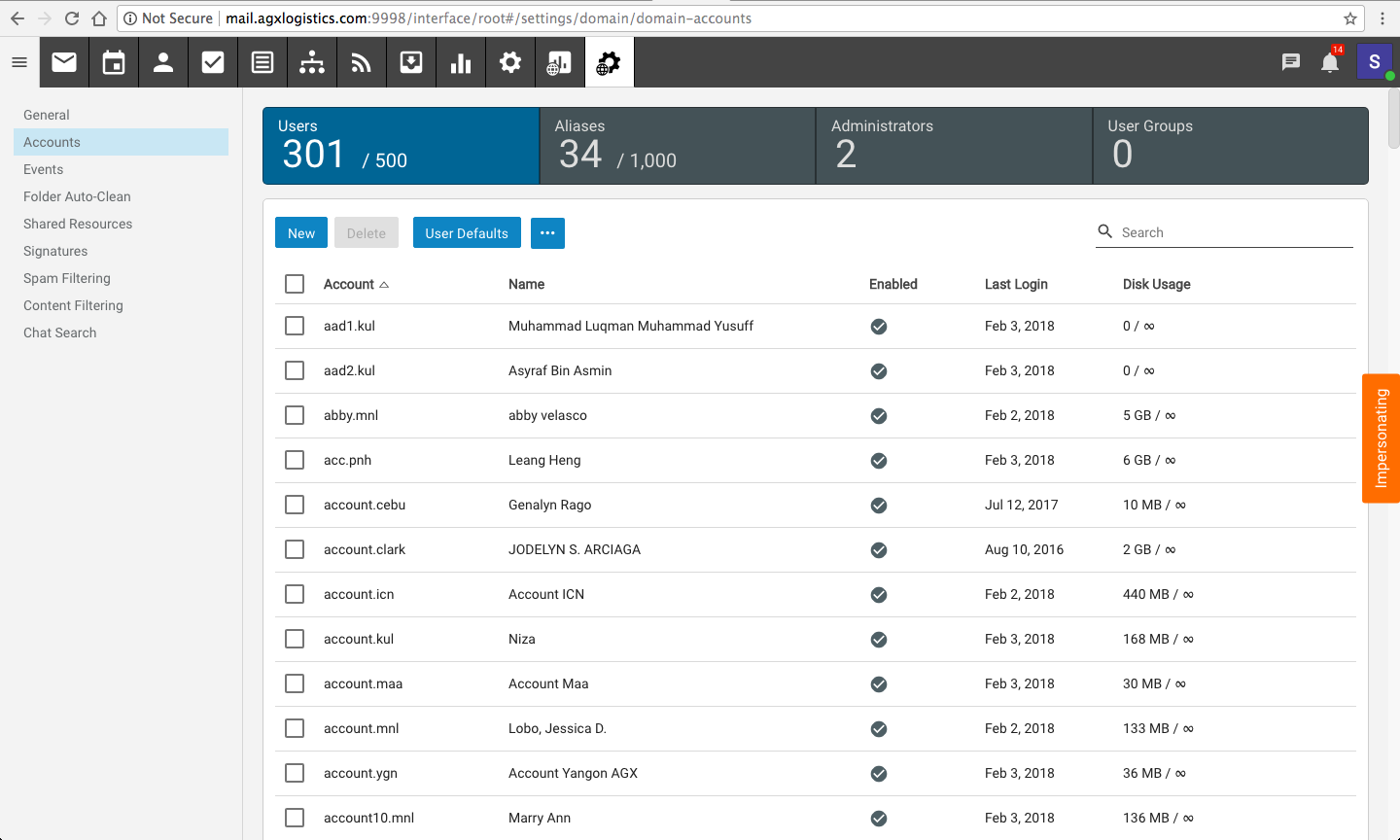
Click on “new” tab to add a new user email account and fill in the necessary details

4. How To Impersonate User Account?
Once you have created the user account above, you can double click on the name add you can see this interface
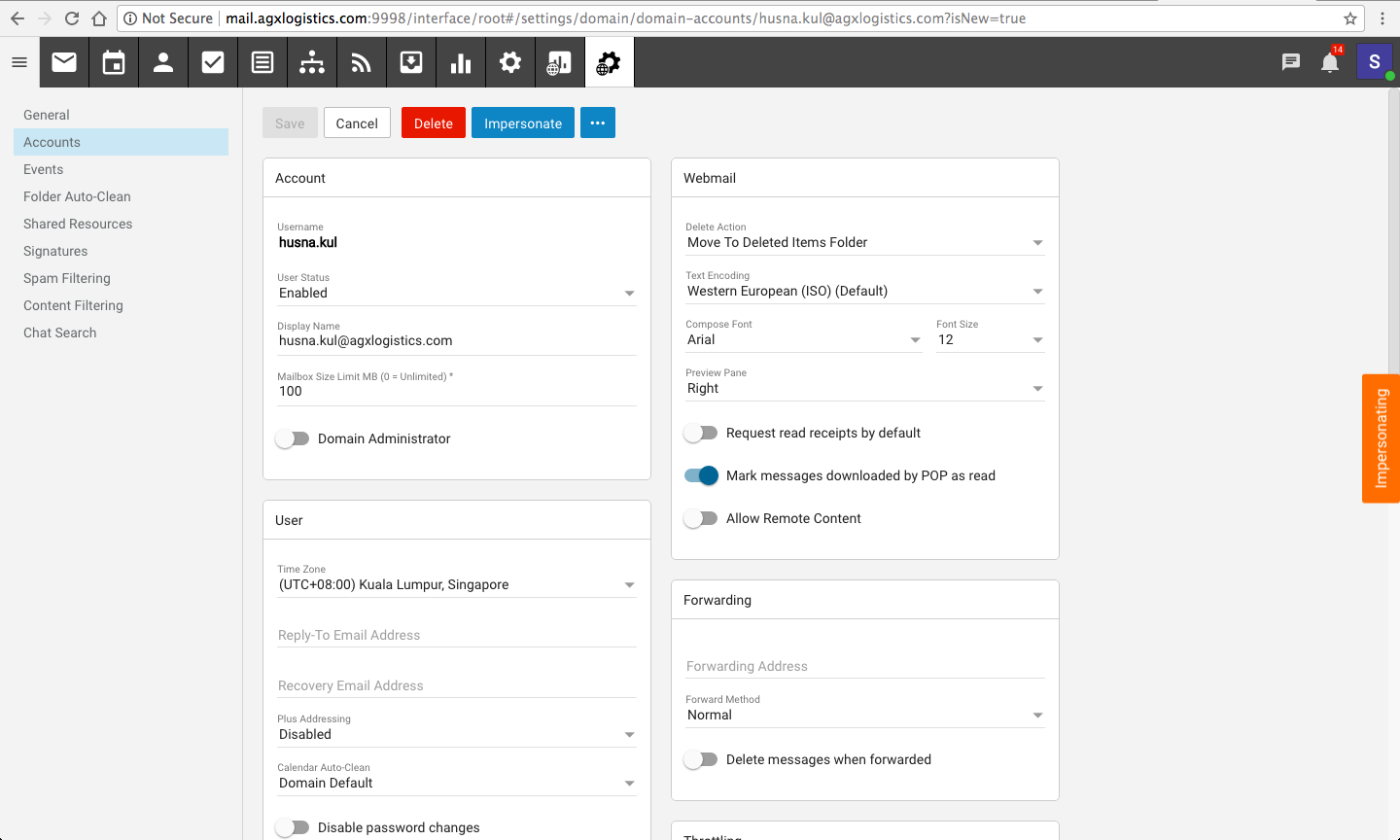
You can click the “impersonate” orange button on right side of the page
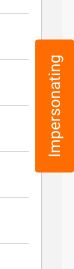
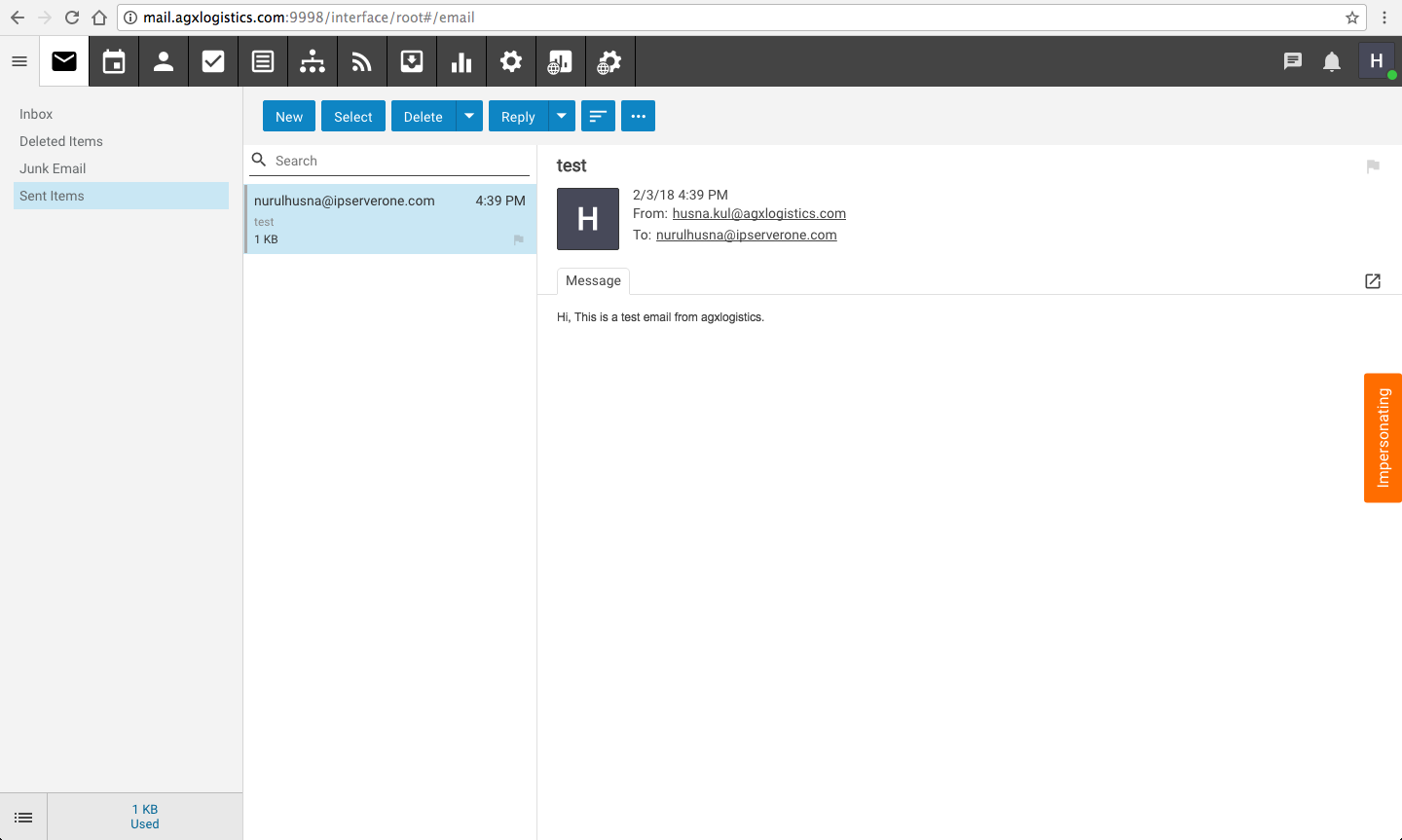
User account impersonated
5. How To Check for Logs
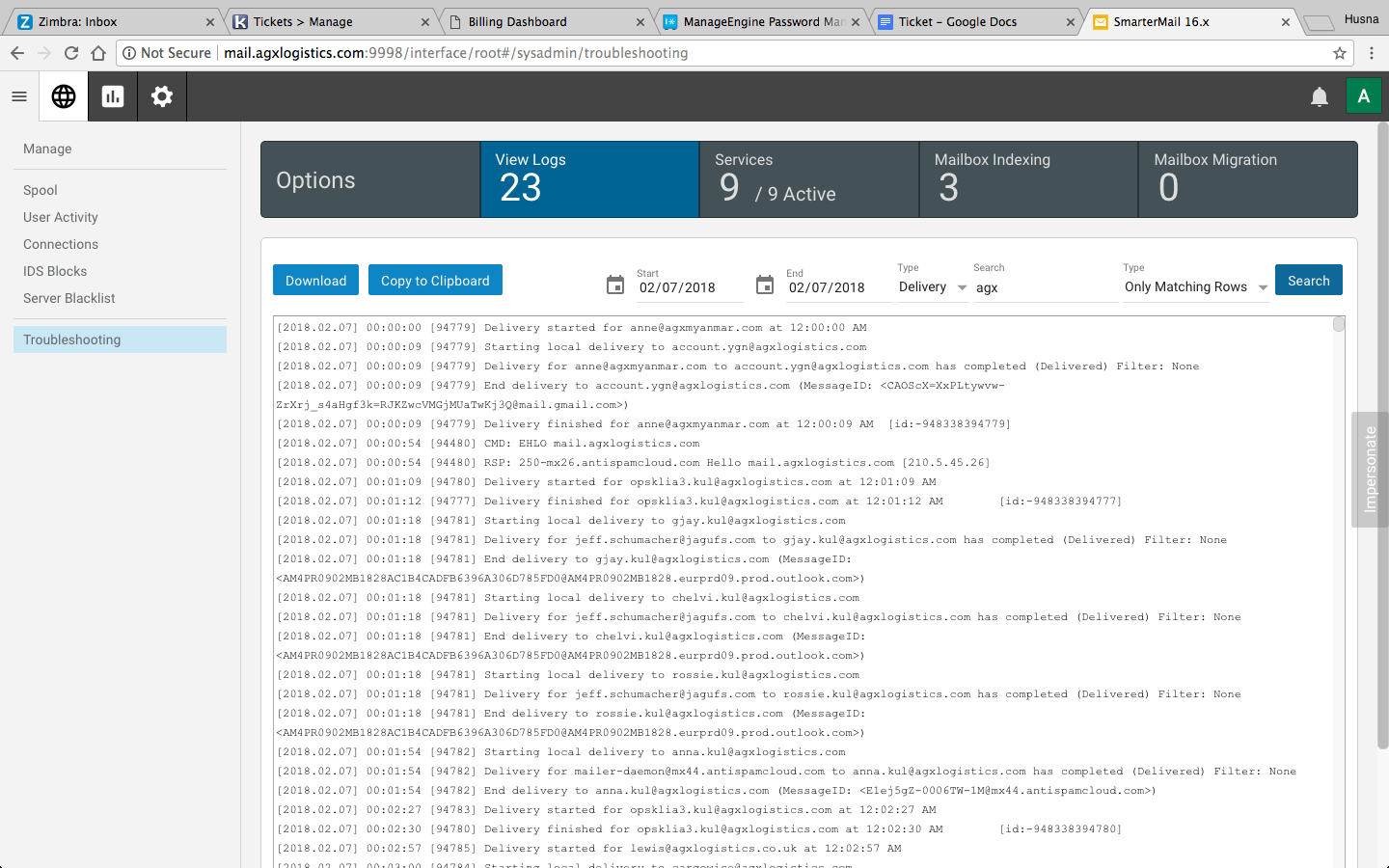
The SmarterMail logs can be check by logging in as the System Administrator. On the Manage section, in the navigation pane, click on Troubleshooting. Then select the View Logs tab to search your delivery logs. You can also view the spool direct and check the messages that are waiting to deliver by clicking on Spool in the navigation pane instead.